How To: How Autoplay Works for Apple Music on iOS & Android

No matter how expertly crafted a playlist is or how long your favorite album runs, they all come to an end eventually. And nothing quite kills the vibe like your DJ suddenly running out of steam. But a feature in Apple Music for iOS and Android will continue playing songs after an album or playlist is over, choosing tracks that fit perfectly with what you were just listening to.

How To: Check This Setting if You Don't Want Your Friends to See What You're Listening to on Apple Music

You shouldn't care what other people think, but sometimes, it's unavoidable. Take your music tastes, for instance. Sure, you might want your friends to think you only listen to the coolest songs, but we all have our guilty pleasures. If you're uncomfortable with your peers seeing your listening history in Apple Music, know there's something you can do about it — on iOS or Android.

How To: Set Custom Wallpapers for Individual WhatsApp Chats So That Each Thread Has Its Own Look

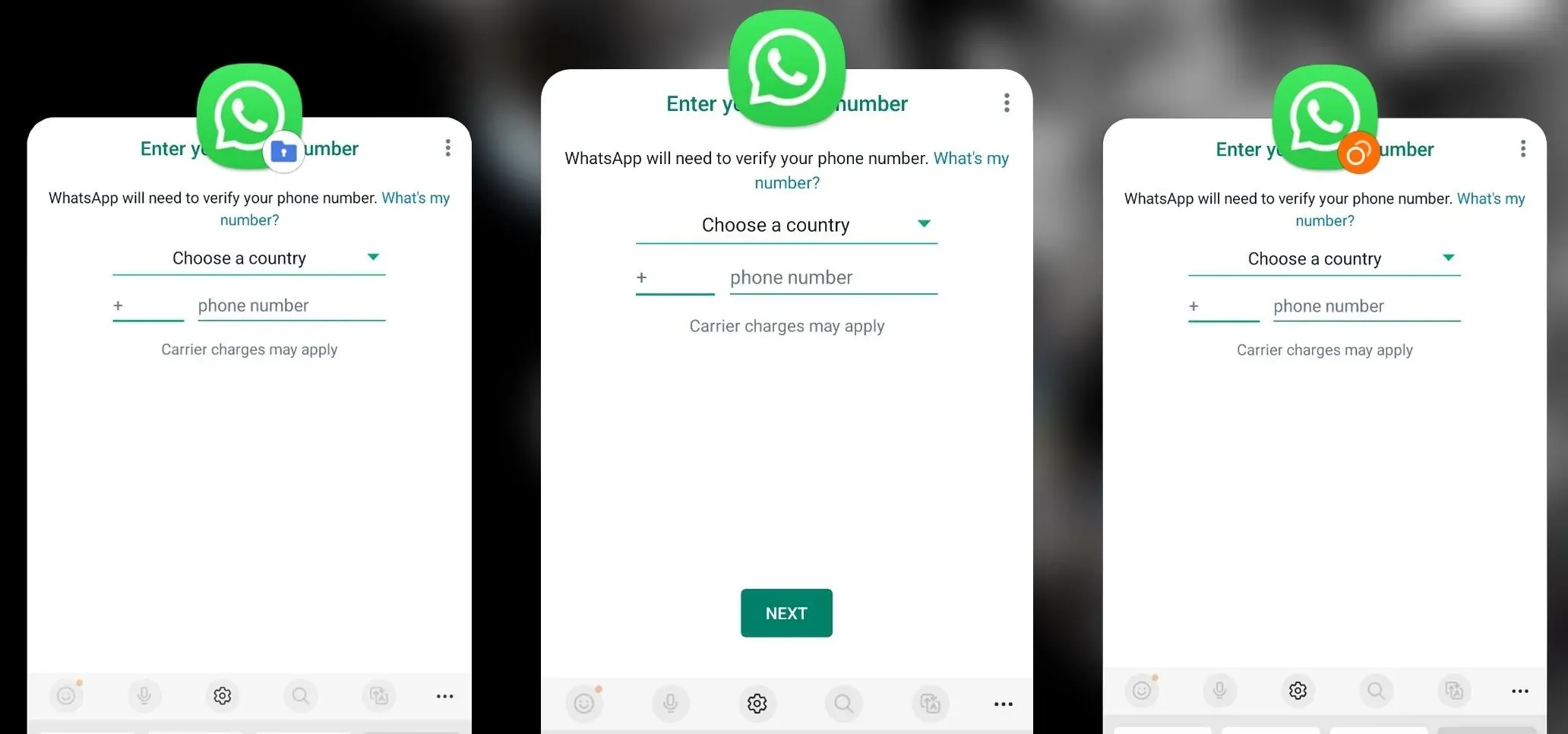
One of WhatsApp's best features is being able to change the default wallpaper for all chats. There's no reason to stick to the default WhatsApp backgrounds when you can be texting over an image of literally anything. In a newer WhatsApp update, you can go a step beyond that by setting custom wallpapers for individual chats, personalizing every text thread you have.

How To: Separate Vocals & Instrument Tracks from Your Favorite Songs — Right from Your Phone

Adobe Audition, Audacity, and other audio editing software have tools to isolate vocals and instruments in regular songs so that you can get an instrumental track for karaoke, vocals for an a capella version, or solo drums, bass, keys, etc. that you can use to learn the song yourself. The software is mostly for desktop computers, and it doesn't always do a good job, but that's where Moises comes in.

How To: Pick Different Chat Wallpapers for WhatsApp's Light & Dark Modes for Even More Control Over Your Theme

If you're like me, you enjoy using your phone's dark theme at night and light theme during the day. When switching from dark to light and vice versa, many of the UI elements in supported apps adjust accordingly, but you have no control over what does and doesn't change. WhatsApp, on the other hand, does give you some granular control by letting you pick a chat wallpaper for each theme.

News: Snapchat's Spotlight Confirms That the TikTok, Instagram Social Media War Is On — And AR Is the Next Battlefront

In the realm of social media, all roads lead to one destination: cracking the code of continuous partial attention dopamine hits. We learned this back in the days of Vine, before Twitter foolishly killed it. And I pointed my lens at the emerging trend back in 2016 when I highlighted Musical.ly for Mashable, just before it was snapped up by China's Bytedance for $1 billion and merged into what is now TikTok.


News: Manscaped's Brand Hype Grows into Augmented Reality via Snapchat Lens

If you're a man and subscribe to podcasts or YouTube channels that cater to masculine interests, then you've almost certainly encountered sponsorships from Manscaped. And that means I don't have to explain what the company is selling you (for the uninitiated, it's a company dedicated to helping you trim your body hair—most notably, your nether regions, in addition to other areas).

How To: Use Facebook Messenger's Hidden 'Vanish Mode' for Disappearing Messages Whenever You Want

Saving a chat's history is useful for finding valuable information later on or just reliving a favorite conversation from the past. Sometimes, however, it's good to delete chat threads, and it's even better to have them auto-delete right after you see new messages. While some apps have had disappearing messages for some time (e.g. Snapchat), Facebook Messenger now has it too with "Vanish Mode."

How To: Quickly View Every Link You've Ever Opened on Your Instagram Account

Instagram isn't as link-friendly as other social media platforms like Twitter and Facebook. Still, when you do find and open a link, whether it's for a petition or a product, you may want to find it again later. That's why Instagram keeps track of every link you've ever opened. That way, if you ever need to revisit a webpage, you don't have to find the original post or account from last time.

How To: Send & Receive Disappearing Messages in Your WhatsApp Conversations to Keep Chats Clutter-Free

Sometimes, keeping every message comes in handy. Maybe you want to relive fun conversations from months or years ago, or perhaps you need to recall a piece of data such as an address, name, or link. However, not all chats need to stick around forever. Whether you're concerned about privacy or just keeping your threads clutter-free, WhatsApp's "disappearing messages" may be what you're looking for.

How To: Need More Time on a Work Assignment or School Project? Corrupt Your Files to Extend Your Deadline Without Question

You have an assignment due, whether it's homework for school or a project for work, but you've only got a few hours left. There's no way you're going to finish in time and do a good job, and you don't want to turn in anything incomplete or half-assed. While it may seem you're out of luck, there's a simple way to buy yourself more time.

Prev Page