




TCL NXTPAPER 70 Pro: A Deep Dive Into E-Paper Display Technology
The world of display technology is constantly evolving, and one of the most intriguing developments in recent years has been the rise of e-paper displays in mainstream consumer devices. While most of us associate e-paper with dedicated e-readers like Kindles, the technology is starting to make its way into smartphones and tablets, promising better battery life and reduced eye strain.
Enter the TCL NXTPAPER 70 Pro, a device that's pushing the boundaries of what we expect from e-paper displays. After spending considerable time with this unique tablet, I'm here to break down what makes this technology tick and whether it's ready for prime time.
What Exactly Is E-Paper Technology?
Before we dive into the TCL NXTPAPER 70 Pro specifically, let's talk about what e-paper actually is. Unlike traditional LCD or OLED displays that emit light, e-paper displays reflect ambient light, much like actual paper. This fundamental difference is what gives e-paper its signature paper-like appearance and its impressive battery life.
The technology works by manipulating tiny microcapsules filled with positively and negatively charged particles. When an electrical field is applied, these particles move to create text and images. The beauty of this system? Once an image is formed, it requires no power to maintain it—only to change it.
PRO TIP: E-paper displays excel in bright lighting conditions where traditional screens often become hard to read. If you frequently use devices outdoors or in well-lit environments, this technology might be a game-changer for you.
First Impressions: The TCL NXTPAPER 70 Pro Experience
Holding the TCL NXTPAPER 70 Pro for the first time, you immediately notice how different it feels compared to traditional tablets. The display has a matte, almost textured appearance that genuinely mimics paper. There's no glossy reflection, no blue light glare—just a calm, reading-friendly surface.
The device itself feels solid and well-constructed, with a form factor that's clearly designed for extended reading sessions. The bezels are substantial enough to provide comfortable grip areas without feeling dated, and the overall weight distribution makes one-handed use surprisingly comfortable for extended periods.
The Display: Where E-Paper Meets Modern Expectations
This is where things get interesting. The NXTPAPER display technology represents TCL's attempt to bridge the gap between traditional e-ink displays and modern color screens. The result is something that sits in a unique middle ground.
The refresh rates are noticeably faster than traditional e-readers, making page turns and navigation feel more responsive. However, it's still not quite at the level of instant response you'd expect from an LCD or OLED display. There's a subtle but noticeable lag that takes some getting used to, particularly if you're accustomed to the instantaneous response of modern smartphones.
Color reproduction is where the technology shows both its promise and its current limitations. While colors are present and distinguishable, they appear muted compared to traditional displays. Think of it like the difference between a vibrant magazine photo and a newspaper image—both convey information effectively, but one is clearly more vivid.
Bottom line: The display excels at what it's designed for—reading, note-taking, and content consumption—while making compromises in areas where traditional displays shine.
Performance in Real-World Use
After using the TCL NXTPAPER 70 Pro as my primary reading device for several weeks, here's what I discovered about its real-world performance:
Reading Experience
This is where the device truly shines. Extended reading sessions that would typically cause eye strain on traditional tablets become comfortable and natural. The paper-like quality isn't just marketing speak—it genuinely feels easier on the eyes during long reading sessions.
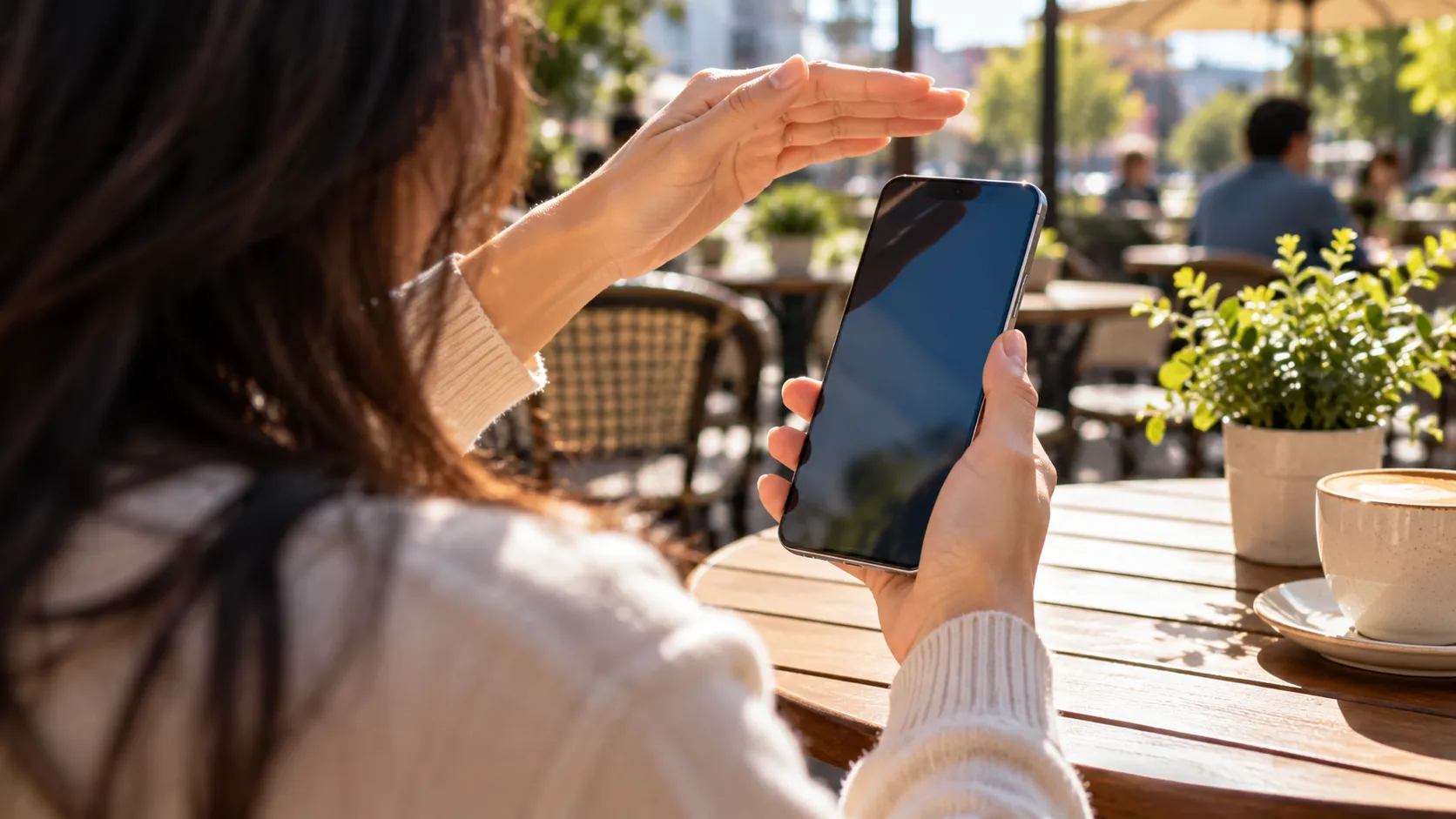
The display performs exceptionally well in bright outdoor conditions. While your smartphone screen might become nearly invisible in direct sunlight, the NXTPAPER display actually becomes more readable. It's a revelation for anyone who enjoys reading outside or works in bright environments.
Note-Taking and Productivity
The device supports stylus input, and the experience feels surprisingly natural. The slight texture of the display provides tactile feedback that mimics writing on paper, making digital note-taking feel more authentic than on glass displays.
However, the refresh rate limitations become more apparent during intensive writing sessions. Rapid note-taking can sometimes outpace the display's ability to keep up, leading to temporary lag between stylus input and visual feedback.
Media Consumption
Here's where expectations need to be managed. Video playback is possible, but the slower refresh rates and muted colors make it less than ideal for multimedia content. This isn't necessarily a flaw—it's more accurate to think of this as a feature trade-off rather than a limitation.
The device seems designed to encourage focused, distraction-free content consumption rather than multimedia entertainment. In an age of constant digital stimulation, there's something refreshing about a device that naturally guides you toward more contemplative activities.
Battery Life: The E-Paper Advantage
One of the most impressive aspects of the TCL NXTPAPER 70 Pro is its battery performance. Thanks to the e-paper technology's low power requirements, the device can go days between charges with moderate use.
During my testing, I routinely achieved 4-5 days of regular reading use on a single charge. Even more impressive, the device can display static content (like a book page or document) indefinitely without draining the battery, since e-paper requires no power to maintain an image.
PRO TIP: If you're traveling or frequently find yourself away from charging opportunities, the extended battery life alone might make this device worth considering.
Who Should Consider the TCL NXTPAPER 70 Pro?
Based on my extensive testing, this device hits a sweet spot for specific use cases:
Ideal Users:
Heavy readers who want a larger screen than traditional e-readers offer
Students and professionals who take extensive notes and want a paper-like writing experience
Outdoor workers or enthusiasts who need screens readable in bright sunlight
Digital wellness advocates looking to reduce screen-induced eye strain
Maybe Not For:
Multimedia enthusiasts who prioritize video and gaming performance
Users expecting smartphone-level responsiveness in all interactions
Those who need vibrant color reproduction for photo editing or design work
The Bigger Picture: E-Paper's Place in Our Digital Future
The TCL NXTPAPER 70 Pro represents more than just another tablet option—it's a glimpse into a potential future where display technology is more specialized and purpose-built. Rather than trying to make one display type excel at everything, we might see more devices optimized for specific use cases.
E-paper technology addresses real pain points that many of us experience with traditional displays: eye strain, poor outdoor visibility, and constant battery anxiety. While it introduces its own limitations, the trade-offs feel worthwhile for the right applications.
Final Thoughts: A Promising Step Forward
The TCL NXTPAPER 70 Pro isn't perfect, but it doesn't need to be. It's a specialized tool that excels in its intended use cases while making honest trade-offs in others. The technology feels mature enough for early adopters and specific use cases, while still having room to grow.
As someone who spends considerable time reading and taking notes on digital devices, I found the eye strain reduction and extended battery life to be genuinely valuable benefits. The slower refresh rates and muted colors became less noticeable over time, especially when the device was being used for its intended purposes.
The key takeaway is that the TCL NXTPAPER 70 Pro succeeds not by trying to replace traditional tablets entirely, but by carving out its own niche where e-paper's advantages outweigh its current limitations.
For readers, students, and professionals who prioritize comfort and battery life over multimedia performance, this device offers a compelling glimpse into the future of specialized display technology. While it may not be ready to replace your primary tablet, it might just become your favorite one for focused, productive work.
Don't Miss: If you're intrigued by e-paper technology, keep an eye on this space. The improvements in refresh rates and color reproduction suggest we're still in the early stages of what this technology might eventually achieve.






Comments
Be the first, drop a comment!