




TCL NXTPAPER 70 Pro: Display Features, Specs, and Who It's For
The TCL NXTPAPER 70 Pro was announced at CES in January 2026, had its European pricing confirmed at MWC in early March, and is slated to arrive in the U.S. sometime in April 2026 no firm date confirmed yet. TCL used those same Barcelona proceedings to unveil something else: a concept NXTPAPER AMOLED panel that would bring the same eye-comfort philosophy to self-emissive display technology for the first time (Display Daily, March 2026). The TCL NXTPAPER 70 Pro is the phone you can buy now. The AMOLED panel is TCL's signal about where this goes next.
TCL is not the only company chasing eye-comfort certifications, but it's the one that has built an entire product line around the concept. The question worth asking isn't whether the marketing is credible it's whether the hardware changes are real enough to matter to the right buyer. On that question, the answer is more nuanced than the spec sheet suggests.
What the TCL NXTPAPER 70 Pro display actually does and what it claims but hasn't fully proven
The core tension with any eye-comfort phone is separating what the display genuinely changes from what the marketing implies. NXTPAPER 4.0 does both, and it's worth keeping them distinct.
At the hardware level: The system works through circular polarized light (CPL) that approximates natural light behavior, a nano-matrix lithography surface treatment that scatters specular reflections to reduce glare, DC dimming that eliminates PWM flicker at the hardware level, and multi-layer blue light filtering that cuts harmful blue light output to as low as 3.41% of total light without the yellowish color cast of software night modes. Brightness drops to 1 nit at minimum for late-night use (Display Daily, March 2026). These are hardware modifications, not filters applied on top of a standard panel. That distinction matters.
What third-party certification confirms: The 70 Pro holds TÜV Flicker Free certification and SGS Low Visual Fatigue A+2.1 and Dim-Light Eye Protection certifications independent bodies that establish measurable performance baselines rather than taking TCL's word for it (TCL Global, March 2026). The color accuracy holds up too: NXTPAPER 4.0 achieves ΔE<1 color accuracy and 100% sRGB coverage (TCL North America, January 2026). Eye comfort and display quality are not in conflict here. The matte surface doesn't trade away color precision.
What independent coverage supports: Tom's Guide's hands-on at MWC yielded the headline "I finally found a phone I can stare at for hours without tiring my eyes" anecdotal, but consistent with broader reviewer experience on prior NXTPAPER hardware (Tom's Guide, March 2026). Reviewers of the earlier NXTPAPER 60 Ultra repeatedly cited reduced glare and lower fatigue compared with glossy OLED screens, with one noting extended sessions "without the strain or fatigue we usually feel" (The Test Pit, December 2025). The pattern holds across multiple outlets and multiple generations of the platform.
Where claims outpace evidence: Display Daily notes that the clinical evidence behind specific blue-light percentage reductions the difference between 3.41% and a standard phone remains contested in medical literature. Reduced glare, flicker elimination, and lower minimum brightness are well-supported in real-world terms. Long-term vision health claims are not. The 70 Pro is better characterized as a phone that's noticeably more comfortable to use for long sessions than a standard OLED device, not a device that protects your eyesight in a clinically meaningful sense. That framing is more honest, and still a genuine selling point for the right user.
Three display modes, one hardware key: how the reading experience actually works
The most user-facing NXTPAPER innovation isn't a spec. It's a physical button on the side of the device that cycles through three modes instantly, without touching the settings menu.
Color Paper Mode delivers full-color output with reduced saturation and the matte anti-glare surface engaged the everyday default for someone who wants the comfort benefits without giving up color. Ink Paper Mode converts the display to grayscale, mimicking the visual character of an e-ink screen while keeping touch response and app functionality fully intact. Max Ink Mode goes further: it restricts background processes, locks brightness low, and creates a focused monochrome reading environment with a pre-loaded bookstore, a library of books, and four AI reading tools AI Outline, AI Q&A, AI Audiobook, and AI Podcast (TCL North America, March 2026).
The practical difference matters. Color Paper is a subtler version of the standard experience less tiring for email and news, not perceptibly limited for anything else. Ink Paper is the mode for anyone who reads long-form content and wants the visual character of an e-reader without carrying a second device. Max Ink is the most aggressive setting: it's where the phone genuinely tries to behave like a Kindle, and it's where battery life benefits are most significant.
On battery, TCL claims up to seven days of reading and 26 days of standby in Max Ink Mode (TCL Global, March 2026). Those figures are based on internal testing and should be treated as best-case. An independent review of the prior NXTPAPER 60 Ultra found Max Ink Mode active use in the range of 20–22 hours meaningful, but far shorter than the headline standby claims (eReaders Forum, November 2025). The 26-day standby figure assumes the phone sitting mostly idle in a low-power state, not active reading sessions.
One limit worth stating plainly: Max Ink Mode is not e-ink. The display still emits backlight. It's a low-power LCD mode with a paper-like visual profile better than a standard phone for long reading sessions, but not a replacement for a Kobo or Kindle if true e-paper is the goal. T-Pen stylus support, sold separately, adds handwriting, note-taking, and Screen Off Memo, extending the use case toward students and anyone who annotates while reading (TCL Global, March 2026).
TCL NXTPAPER 70 Pro specs beyond the display: capable enough that the screen is the actual decision
People choosing the 70 Pro are choosing a display philosophy. The useful question is not whether TCL can build a functional mid-range Android device it clearly can. The question is whether the screen differentiation justifies the rest. On the hardware side, nothing gets in the way of that answer.
The 6.9-inch FHD+ panel runs at 120Hz with 900 nits peak brightness. The MediaTek Dimensity 7300 handles daily tasks and multitasking without friction; 8GB of RAM is expandable to 24GB via software-based RAM Expansion, and storage tops out at 512GB with a microSD slot available (GSMArena, January 2026). The phone ships with Android 16.
Camera: a 50MP main sensor with OIS, an 8MP ultra-wide, and a 32MP front camera. OIS plus electronic stabilization covers 4K video at 30fps adequately for everyday use (TCL Global, January 2026). A 5,200mAh battery with 33W fast charging and IP68 dust and water resistance round out a practical package. None of this is flagship-tier, but nothing pulls focus from the display story either.
On pricing: MWC confirmed European retail at €299 for the 256GB version and €359 for 512GB, both as standalone phone without bundled accessories (TCL Global, March 2026). At CES in January, TCL had quoted €339 and €389 those were bundled prices that included accessories. Same phone — two different configurations, not a price reduction. U.S. pricing has not been confirmed; the phone arrives stateside sometime in April 2026 (TCL North America, March 2026).
How the 70 Pro compares and what TCL's AMOLED concept signals
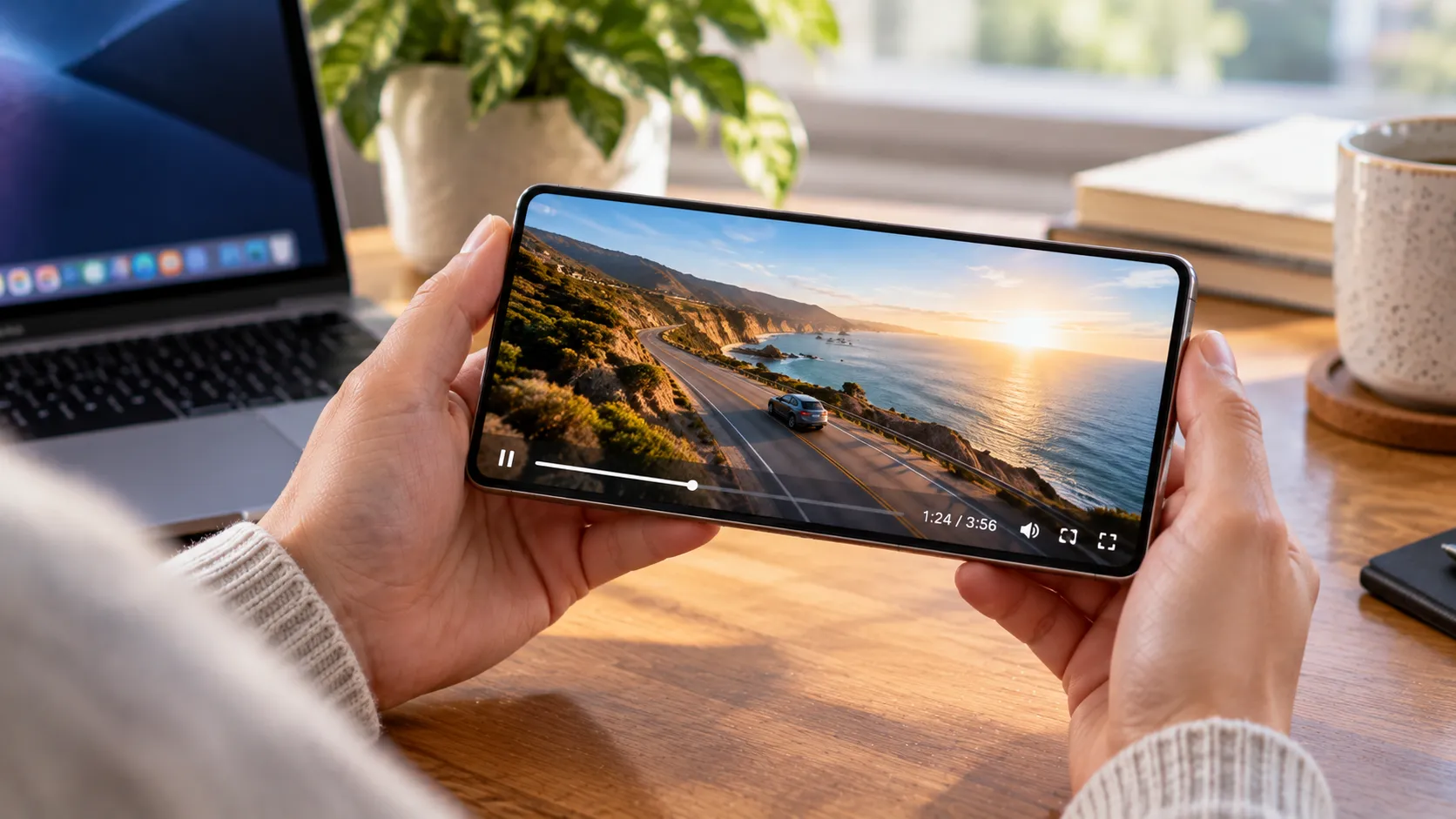
Against glossy OLED phones: The 70 Pro gives up OLED's native contrast and deep blacks for a matte surface that performs meaningfully better in bright light, reduces glare, and produces less eye fatigue during long sessions. That's a real tradeoff with real beneficiaries people who read, work outside, or use their phone for hours at a stretch. It's not the right trade for someone who primarily streams video in dark rooms, where OLED's contrast advantage is most visible.
Against e-readers: The 70 Pro sits between a standard smartphone and a dedicated e-ink device. More functionality, better color, faster response, usable cameras but not as easy on the eyes as genuine e-ink for sustained reading, and nowhere near a Kindle's battery life in practice. The value proposition is consolidation: one device instead of two, with meaningful if imperfect compromises in both directions.
Against prior NXTPAPER phones: The 70 Pro improves the reading mode ecosystem, brings a cleaner hardware key implementation, and adds AI reading tools that prior models lacked. Evolution, not reinvention but a worthwhile evolution for anyone already invested in the platform.
The AMOLED reveal changes the conversation. At MWC, TCL simultaneously confirmed that NXTPAPER is moving to AMOLED panels for the first time. The concept phone demonstrated circular polarization efficiency raised from 57% to 90%, harmful blue light further reduced to 2.9% (a 15% improvement over NXTPAPER 4.0), 3,200 nits peak brightness, and nano-matrix lithography applied to an AMOLED surface which TCL claims is the first anti-glare implementation on a smartphone AMOLED panel in the industry (TCL/PR Newswire, March 2026). It also achieves ΔE<1 color accuracy and 100% P3 gamut coverage, meaning the AMOLED version improves on every quantifiable eye-comfort metric while widening the color space.
TCL is selling the LCD version now while signaling that the real endgame is AMOLED. The 70 Pro's biggest limitation is precisely that: LCD can't match AMOLED's contrast in dark conditions or the vibrancy that users switching from premium smartphones expect. If the concept delivers in mass production, the case for choosing an eye-comfort phone over a standard OLED device becomes substantially stronger. For now, the AMOLED device remains a concept; TCL has confirmed a smartphone is coming later in 2026 without specifying a model name, date, or price (GSMArena, March 2026). Independent lab validation of those claims hasn't happened yet, and Display Daily notes the real test comes only when devices reach mass production and can be measured head-to-head.
Who the TCL NXTPAPER 70 Pro is for and who should wait
The 70 Pro earns its pitch for three kinds of users:
Heavy readers who don't want to carry a separate e-reader
People who spend long hours on their phone for work or study and feel it in their eyes by evening
Anyone who uses their phone outdoors often enough that glossy OLED glare has become a genuine frustration
For those users, the display certifications, the NXTPAPER Key, and the reading mode ecosystem form a package that no comparable mid-range phone currently matches (TCL Global, March 2026).
Skip it if video quality in dark environments matters most, flagship camera performance is a priority, or waiting a few months for the AMOLED version makes sense given the timing. The LCD panel doesn't reach the contrast depth of premium OLED phones, and most of TCL's eye-comfort data comes from internal testing rather than independent lab measurement of this specific device.
The NXTPAPER AMOLED concept addresses the contrast gap and improves on every quantifiable eye-comfort metric simultaneously. That's a meaningful advance if it reaches production intact. Until it does, the 70 Pro is the best available version of TCL's eye-comfort argument honest about what it doesn't yet solve, and worth buying if the screen is the reason you're here.




Comments
Be the first, drop a comment!