



How to Buy a New Smartphone: A 2026 Decision Framework
Most people shopping for a new phone start by comparing cameras and display specs. That's the wrong place to start. By the time you're evaluating whether the iPhone 17 has a better telephoto than the Pixel 10 Pro, you've already skipped the decisions that actually determine whether a phone purchase turns out well.
This guide is for U.S. buyers replacing a primary phone and planning to keep it two to four years. It walks through the framework in the right order: carrier compatibility, platform choice, total cost of ownership, and software longevity. Hardware specs come last. If you're wondering how to choose a new phone and keep second-guessing yourself, that's usually a sign you started with the wrong questions.
One number worth knowing before diving in: the refurbished smartphone market grew 5% globally in 2024, outpacing 3% growth in new phone sales over the same period, according to Counterpoint Research (early 2025). A growing share of buyers have already concluded that new isn't always the right answer. This guide explains how to reach the right conclusion for your situation, not the market's.
What to know before buying a phone: six questions to answer first
Before comparing any specs, run through these:
- What's your budget ceiling?
- Do you need carrier flexibility, or are you staying put?
- Are you keeping this phone two years or four-plus?
- iPhone ecosystem or Android flexibility?
- Do Apple Intelligence features matter to you?
- Are you open to refurbished?
Answer those six questions and you'll eliminate most phones before specs enter the picture. The rest of this guide explains why each question matters and what the right answer looks like for different buyers.
Step 1: Decide on carrier flexibility before you choose a phone
Carrier compatibility is the most consequential decision most buyers skip. Get it wrong and the phone you bought for its camera becomes a problem you're paying off for two years before you can switch.
In the U.S., phones sold through carriers are typically locked in one of three ways: software restrictions that block use on other networks, installment payment plans that prohibit switching until the device is paid off, or hardware band limitations that exclude certain carriers' frequencies entirely, according to PCMag (December 2025). Buying unlocked removes carrier software locks and installment-plan lock-in, but you still need to verify band support for your specific carrier.
-
Decide whether carrier flexibility matters to you. If you're staying on your current carrier and buying new, a carrier-sold phone on an installment plan is often the cheapest upfront path. If you travel internationally, might switch to a cheaper prepaid MVNO plan, or want the option to sell your phone before a contract ends, buy unlocked.
-
Verify compatibility before purchasing any unlocked phone. Not all unlocked phones support every carrier's 5G bands, and PCMag warns that even phones that should theoretically work on certain MVNOs sometimes don't. Look up the exact model number on your carrier's compatibility page. Brand-level checks aren't enough.
-
Understand how eSIM changes the equation. The current U.S. iPhone and Pixel models are eSIM-only, which makes activating a carrier faster but also makes swapping phones between devices more complicated than moving a physical SIM, PCMag notes (December 2025). Activating an eSIM requires an active Wi-Fi connection. If you travel internationally and want a local SIM in another country, plan for this before you leave.
Where to buy unlocked: Carrier stores typically don't stock unlocked models. The Apple Store, Amazon, Google's store, and Samsung's store are reliable sources. Apple, Best Buy, Google, and Samsung all offer financing over two to three years if the full upfront cost is a barrier, per PCMag.
One critical distinction: "Unlocked" means no software lock. It does not guarantee full network compatibility. A phone can be unlocked and still not support a specific carrier's 5G frequencies.
Step 2: iPhone vs. Android buying guide: pick the ecosystem first
Most buyers pick a model before picking a platform. That's backward. The ecosystem determines update longevity, resale value, app access, and the friction involved if you ever want to switch. Platform first, then model.
The case for iPhone: Apple has historically supported recent iPhones for years longer than most Android makers. iPhone Pro models consistently hold the highest resale values in the global secondary market, with Apple commanding 56% of the refurbished market by revenue in 2024, up from 51% the prior year, Counterpoint Research reports (early 2025). One in three U.S. iPhone users trades in or sells their device before buying a new one, Counterpoint Japan data shows (September 2025), meaning resale is a proven, routine part of the iPhone ownership cycle. The trade-off: you're in Apple's ecosystem, with Apple's pricing and Apple's rules.
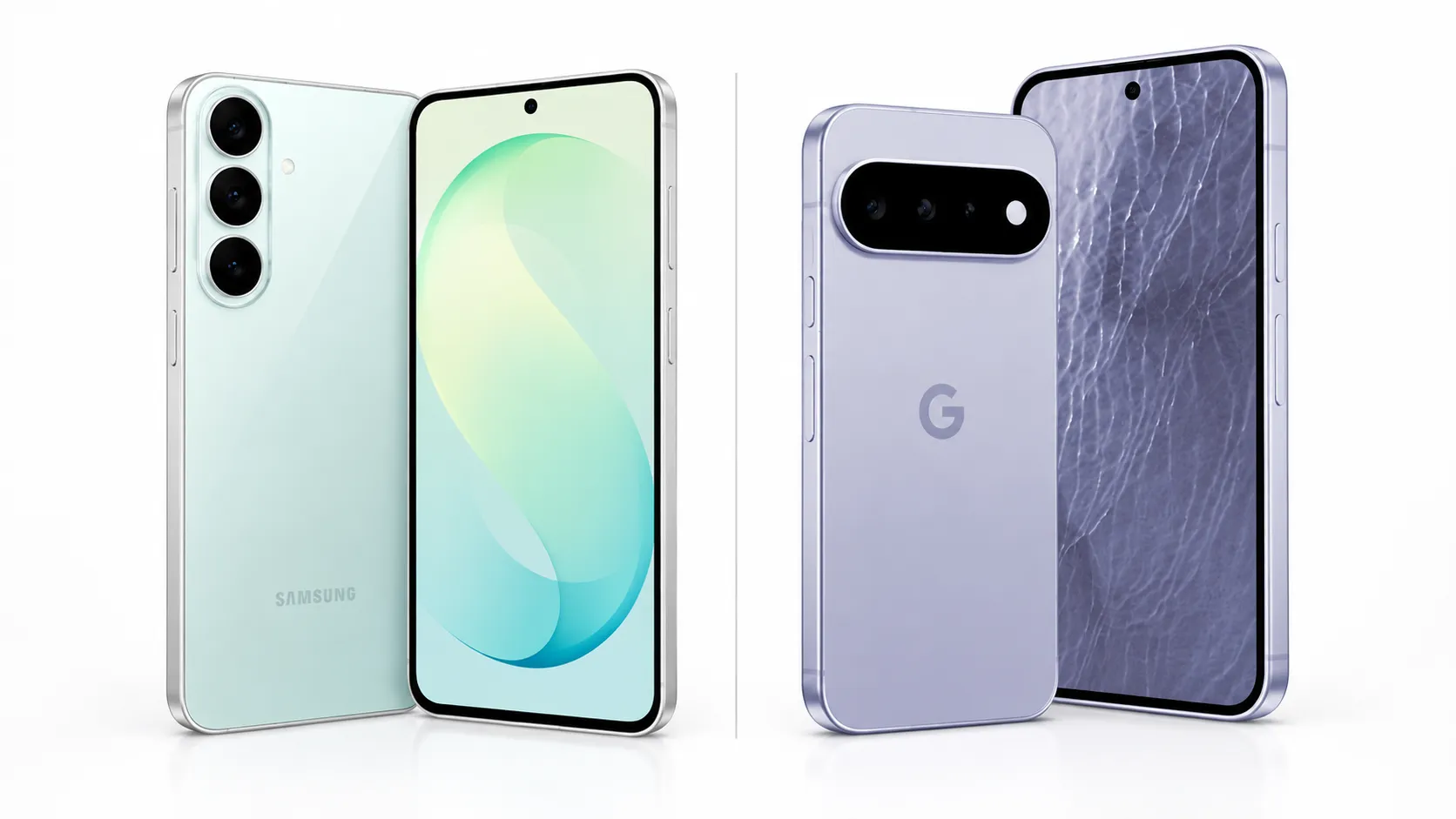
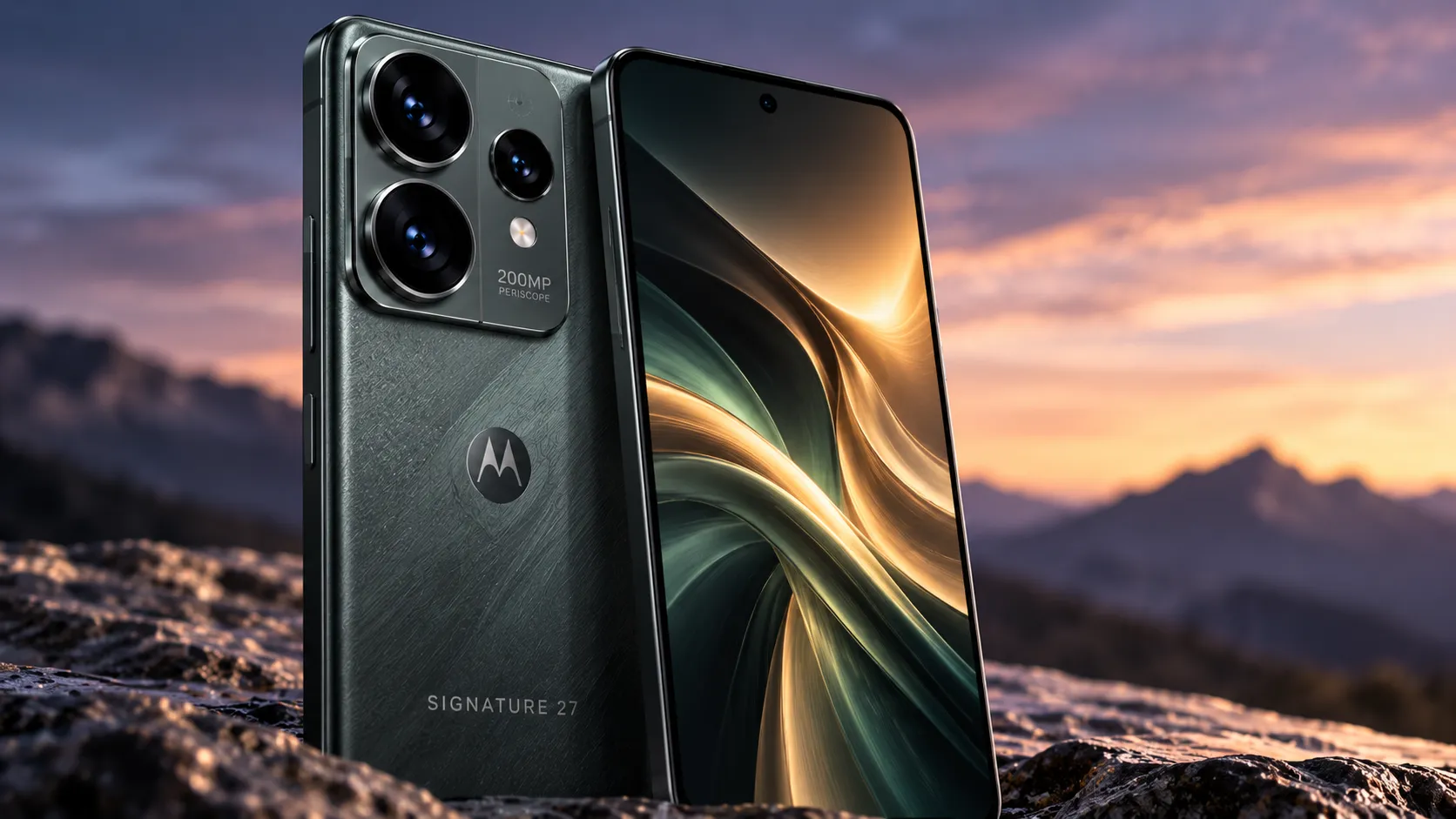
The case for Android: Hardware variety is Android's core advantage. A headphone jack, expandable storage, a folding form factor, or a $250 price point none of these exist on iPhone. For update longevity, Google and Samsung are the credible choices: Google commits to seven years of OS updates for Pixel 8 and later; Samsung commits to seven years for Galaxy S and flagship A series models. Motorola's commitments are shorter and vary by model. Verify before buying.
The practical caveat for Android buyers: privacy and security features vary by manufacturer even on the same Android version. A feature available on a Pixel may not appear on a Samsung or Motorola running the same OS release, the EFF notes (reviewed June 2025). If update longevity is your primary reason for choosing Android, Pixel and Samsung flagship lines are the lower-risk options.
The switching friction question: If you're currently on iPhone and considering Android, or the reverse, factor in migration cost. Contacts, app subscriptions, and services transfer at different levels of friction. iMessage lock-in is real for users whose social circle is on iPhone. That's not a reason to stay on a platform you don't prefer, but it's worth acknowledging before you buy.
Simple platform selector:
- You want the longest, most predictable software support and the strongest resale value → iPhone
- You want hardware flexibility, a feature Apple doesn't offer, or lower entry pricing → Android (Pixel or Samsung flagship for update reliability)
- You want to minimize total cost of ownership and don't need the latest AI features → Refurbished iPhone (see Step 3)
Step 3: Run the ownership math new vs. refurbished
The sticker price is not the cost of the phone. The real number is sticker price minus what you recover at resale or trade-in. For many buyers, especially iPhone buyers, this math changes the decision.
Why refurbished deserves serious consideration: Apple led refurbished market growth at 7% in the first half of 2025, even as overall used-phone market growth slowed to 3%, Counterpoint Japan reports (September 2025). 5G phones now represent 57% of the global refurbished market, up from 42% in 2024. Buying refurbished no longer means buying an obsolete connectivity tier. It increasingly means buying a recent flagship at a meaningful discount.
iPhone Pro models hold value better than standard models in the secondary market. Newer standard iPhone generations have shown faster depreciation, which means a two-year-old Pro may be a better refurbished buy than a one-year-old base model at the same price, Counterpoint Korea data shows (October 2025).
The software compatibility caveat on refurbished iPhones: Refurbished iPhone 13, 14, or 15 models are available in a price range comparable to the new iPhone 16e, but they lack the A18 chip and won't support all Apple Intelligence features, Consumer Reports notes (March 2025). If Apple Intelligence matters to you, the A18 chip found in the iPhone 16 series and newer is the minimum. If it doesn't, refurbished older hardware is a credible option.
Minimum standards for buying refurbished: Apple Certified Refurbished and major carrier certified programs carry lower risk than third-party marketplaces. Before buying from any source, confirm the warranty length (one year is a reasonable baseline), ask about battery health (80% or above is a common minimum threshold to require), and check whether the device is unlocked.
Quick ownership math (illustrative): A $799 new iPhone 17 that sells in two years for $400 costs roughly $400 out of pocket. A $500 refurbished iPhone 15 Pro that sells for $260 costs roughly $240. The newer phone is not always cheaper to own. Run these numbers with current trade-in estimates before you buy.
Step 4: Check software longevity, then evaluate hardware
With platform, budget, and carrier compatibility settled, software longevity is the final checkpoint before comparing specs.
The update-years question comes first. Ask how many years of OS and security updates the phone will receive from today. Apple: historically several years longer than most Android makers. Google Pixel 8 and later: seven years committed. Samsung Galaxy S flagship and A series flagship: seven years committed. Motorola: typically two to three years, varies by model. Verify on Motorola's support page before buying.
For Android buyers, RAM matters as much as OS version. Some privacy and security features require both a current OS version and minimum hardware specs. Android 15 introduced an "Inactivity reboot" feature that restarts a locked device after 72 hours for added security, but it requires at least 6GB of RAM. The ability to disable 2G, a vulnerability exploited in certain surveillance attacks, requires Android 16, per the EFF (reviewed June 2025). Check the RAM spec on any mid-range Android phone, not just the OS version.
What the lab data shows on current models:
The iPhone 17 ($799) earned excellent scores across all major Consumer Reports categories: performance, camera, display, and durability. It passed scratch, tumble, rain, and submersion tests. Display brightness measured 830 cd/m² with minimal glare, and battery tested at 32.5 hours, Consumer Reports found (October 2025).
The iPhone 16e ($600) also rated excellent overall. Battery life tested at 37.5 hours, five hours longer than the iPhone 17 under identical lab conditions. It passed the same drop, scratch, and water tests, with display brightness at 801 cd/m². Trade-offs: single rear camera, no MagSafe, no Dynamic Island, 60Hz refresh rate, Consumer Reports reports (March 2025). On Consumer Reports' battery and durability results, the 16e looks like the value pick in Apple's current lineup, delivering nearly identical real-world performance to the iPhone 17 at $200 less.
The Motorola Razr+ 2025 (foldable, Android 15, 12GB RAM) performed well overall but did not rank among Consumer Reports' top scorers. Its 50MP main camera placed among the top still-image performers. Durability was stronger than foldable skeptics might expect, passing 100-tumble, rain, and submersion tests. Scratch resistance rated only fair, and battery tested at 34.5 hours, Consumer Reports found (January 2026). A legitimate option for buyers who want the foldable form factor and accept the scratch caveat; not optimized for maximum value retention.
One note on megapixels: The Razr+ has a 50MP main camera and ranked among top still-image performers. The iPhone 17 has a 48MP main camera and ranked first in its class. Lab-tested image quality is not determined by sensor resolution. Don't let megapixel counts drive your camera comparison.
The best phone to buy for your needs: four buyer profiles
Based on what the evidence supports:
Buy the iPhone 16e ($600, new) if you want the full Apple Intelligence feature set, strong lab-tested performance and durability, and long software support without needing the latest Pro camera system. On Consumer Reports' battery and durability metrics, it outperforms the iPhone 17 at $200 less.
Buy the iPhone 17 ($799, new) if trading five hours of battery life for an improved camera system matters to you, or if you want the newest hardware baseline for the longest possible update runway.
Buy a refurbished iPhone Pro (iPhone 14 Pro or 15 Pro, certified source) if you want a flagship camera system and strong resale value at a lower price, and you don't need Apple Intelligence features tied to the A18 chip. Confirm the software support years remaining at the time of purchase.
Buy a Pixel or Samsung Galaxy S flagship (Android) if hardware variety, headphone jack availability, or specific Android features matter, and you want the update commitment that makes those phones genuinely long-term purchases. Verify the specific model's update end date, not just the brand's general policy.
The frame that holds all of this together: carrier compatibility check, then platform decision, then true cost of ownership, then software longevity, then hardware specs. Buyers who skip the first four steps and jump straight to specs are the ones who end up with buyer's remorse, not because the phone was bad, but because it was the wrong phone for their situation.
Phones are lasting longer, resale matters more, and software support now matters as much as hardware. Start with compatibility and ownership math, not camera marketing, and the right choice usually gets simpler.






Comments
Be the first, drop a comment!