



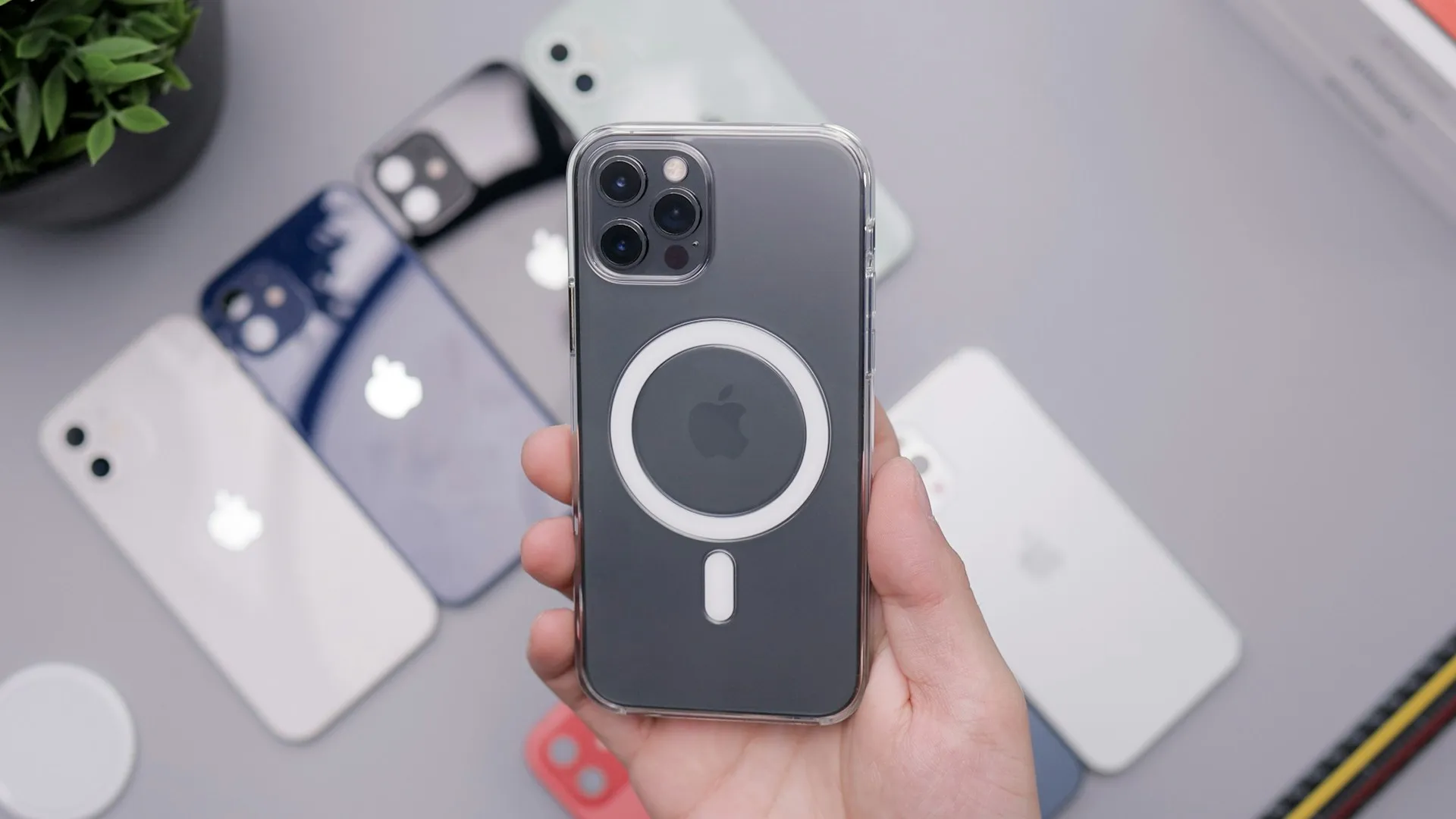
Hands-On: This Tiny MagSafe Controller Brings Real Buttons and a Retro Feel to Your iPhone
While touchscreen controls remain standard for iPhone gaming, they can lack the precision required for fast-paced or competitive titles. This pocket-sized MagSafe controller is designed to address that limitation with dedicated physical inputs.
After two weeks of testing across everything from retro platformers to modern racing games, here's a breakdown of whether it's worth adding to your everyday carry. If mobile gaming is a priority, this is worth a closer look.
First Impressions: Retro Charm Meets Modern Convenience
Out of the box, the controller stands out for its compact form factor. Roughly the size of a deck of cards, it's small enough to slip into a pocket without adding bulk, yet solid enough to avoid feeling like a toy.
The design draws clear inspiration from classic handheld consoles, with a D-pad reminiscent of the original Game Boy and tactile face buttons that deliver a firm, responsive click. Instead of relying on cables or traditional Bluetooth pairing, the controller attaches magnetically to an iPhone's MagSafe ring for a direct, simplified connection.
Pro tip: Before using the controller, ensure your iPhone case is MagSafe-compatible. The magnetic attachment functions properly only with MagSafe-enabled cases or a bare iPhone.
The Physical Experience: How It Feels in Your Hands
Here's what you need to know about actually using this controller: it transforms your iPhone into something that feels more like a portable gaming console than a phone with gaming pretensions.
The button layout is simple but effective:
D-pad (left side): Four-way directional control with distinct tactile feedback
A/B buttons (right side): Primary action buttons with satisfying resistance
Shoulder buttons (top edge): L/R triggers that don't require finger gymnastics to reach
USB-C charging port (bottom edge): Because nothing kills a gaming session faster than a dead controller
The build quality exceeds expectations for a lightweight gaming accessory. While many budget controllers trade durability for reduced weight, this model maintains a solid feel without adding bulk. After dozens of gaming sessions, there were no signs of creaking, flexing, or premature wear.
One design choice worth noting: the controller attaches to the back of your phone, extending downward from the MagSafe ring. This means you're gripping your iPhone in landscape orientation with the controller providing a traditional gamepad feel beneath your fingers. It's intuitive if you've ever held any handheld gaming device from the past three decades.
Gaming Performance: Where the Rubber Meets the Road
Let's break down what actually matters: how does this thing perform when you're deep into a gaming session?
Latency and Responsiveness
The controller was tested across multiple game genres to evaluate potential input lag. No perceptible latency was observed during normal gameplay.
In Dead Cells, where split-second timing is critical, inputs registered as expected. The D-pad handled precise directional movements reliably, allowing for consistent dodge rolls and attack combinations comparable to a full-sized console controller.
Racing titles such as GRID Autosport produced similar results. The shoulder buttons managed acceleration and braking smoothly, while the D-pad—though not ideal for steering—provided functional directional control. The controller performs best in racing games that map shifting and camera controls to its button layout rather than relying on directional steering.
Button Feel and Durability
Following approximately 30 hours of gameplay over two weeks, the buttons retained consistent tactile feedback. The D-pad uses a traditional cross design rather than separate directional buttons, a choice that benefits retro-style games requiring precise inputs.
The face buttons deliver a responsive click with enough resistance to prevent accidental presses while remaining comfortable during extended sessions. In multi-hour play sessions, including several three-hour stretches in Stardew Valley, there were no signs of hand cramping or button fatigue.
Game Compatibility: The Reality Check
Not all iOS games support external controllers, so compatibility depends on whether a title includes controller support.Games that performed flawlessly:
Classic platformers and action games with native controller support
Emulated retro games through compatible emulator apps
Most premium paid games designed with controller input in mind
Apple Arcade titles with controller support
Games that proved problematic:
Touch-optimized free-to-play titles that never implemented controller support
Games requiring simultaneous touch input and controller use
Titles that map controller inputs awkwardly to touch-designed interfaces
The takeaway: Before investing in any mobile controller, spend ten minutes researching whether your most-played games support physical controllers. The controller works beautifully when games are designed for it, but it can't magically add controller support to touch-only titles.
Pro tip: Check the App Store description for any game before purchasing. Look for "Controller Support" or "MFi Controller Compatible" in the features list. If it's not explicitly mentioned, assume it's touch-only.
Battery Life: How Long Can You Play?
The manufacturer does not publish specific battery capacity figures. In real-world testing, the controller averaged approximately 8 to 10 hours of active gameplay per charge.
That might not sound impressive compared to your iPhone's battery, but consider the context. This controller is:
Maintaining a constant wireless connection to your phone
Powering LED indicators for battery and connection status
Small enough that it can't pack a massive battery
Based on average usage of one to two hours per day, the controller required charging approximately every three to four days. Charging is handled via USB-C, allowing it to share cables with most modern smartphones, tablets, and laptops.
Battery status is indicated by a small LED: green when fully charged, amber when running low, and blinking red when charging is required. The indicator remains visible during gameplay without drawing unnecessary attention.
The MagSafe Connection: Convenience vs. Concerns
Let's talk about what makes this controller unique: that MagSafe magnetic attachment system.
What works brilliantly:
Attachment is genuinely instantaneous—just bring the controller near your phone's back and the magnets guide it into perfect alignment
No Bluetooth pairing frustration—the connection happens automatically when attached
Easy to remove and pocket when you get that inevitable phone call mid-gaming session
The magnetic hold is strong enough that you never worry about it detaching during normal use
What might make you pause:
The connection relies entirely on magnetism, meaning any significant impact could separate controller from phone
You'll need to remove the controller to use your phone normally for non-gaming tasks
Wireless charging becomes slightly awkward (you'll need to detach the controller first)
The controller adds noticeable bulk to your phone's profile
How It Compares to Alternatives
Here's the context you need: this isn't the only mobile gaming controller on the market, so where does it fit in the landscape?
Versus Bluetooth controllers: Traditional Bluetooth controllers offer more buttons, analog sticks, and often better ergonomics for extended sessions. However, they require carrying a separate device, dealing with Bluetooth pairing, and finding a phone mount or stand. This MagSafe controller trades some functionality for the convenience of an all-in-one solution that fits in your pocket.
Versus clip-on controllers: Those controllers that grip your phone from the sides typically offer more features, but they're bulkier and often strain the charging port or buttons. The MagSafe approach is cleaner and less likely to cause wear on your phone's physical buttons or ports.
Versus backbone-style controllers: Full-length controllers that turn your iPhone into a Switch-like device provide the best ergonomics and most complete button layouts. But they're also expensive, bulky for travel, and overkill if you just want to add physical buttons for casual gaming sessions.
The sweet spot: This MagSafe controller occupies the middle ground—more convenient than separate Bluetooth controllers, less bulky than full-grip solutions, and focused specifically on retro-style gaming that doesn't require analog sticks or a dozen buttons.
Who Should Buy This?
Testers say this controller is ideal for:
Mobile gaming enthusiasts who: Regularly play platformers, action games, or retro titles on their iPhone and want the tactile feedback of physical buttons without carrying a full-sized controller.
Commuters and travelers who: Want to transform their iPhone into a genuine gaming device during downtime, but need something pocket-sized that won't take up valuable bag space.
Retro gaming fans who: Use emulators on their iPhone and want an authentic D-pad experience that touchscreen controls simply can't replicate.
Casual gamers who: Play supported titles occasionally and appreciate the convenience of magnetic attachment over Bluetooth pairing rituals.
This controller probably isn't for you if:
Most of your gaming happens at home where you could use a full-sized controller
You primarily play games that require analog sticks or complex button combinations
Your favorite games don't support physical controllers
You need the absolute longest battery life possible
You frequently drop your phone (that magnetic attachment has limits)
The Bottom Line
This tiny MagSafe controller delivers on its core promise: bringing physical button controls to your iPhone in the most convenient package I've tested.
It's not going to replace a premium console controller for serious gaming sessions at home. It won't magically add controller support to touch-only games. And it won't satisfy players who demand analog sticks and a full complement of buttons.
But for retro gaming, supported platformers, and casual action titles? This thing punches well above its weight class. The magnetic attachment system works better than expected, the build quality suggests it'll survive daily use, and the button feel genuinely enhances the gaming experience compared to touchscreen controls.
PRO TIP: Before purchasing, make a list of your five most-played iPhone games and verify controller support for each one. If three or more support physical controllers, this accessory will likely enhance your mobile gaming experience significantly.
After two weeks of testing, this controller has earned a permanent spot in my daily carry. It's transformed my morning commute from mindless phone scrolling to genuine gaming sessions, and isn't that exactly what we want from our mobile gaming accessories?
The retro feel isn't just aesthetic nostalgia—it's a functional design choice that makes mobile gaming feel more deliberate, more engaging, and honestly, more fun. For players seeking that experience in a pocket-friendly package, this MagSafe controller delivers.








Comments
Be the first, drop a comment!