



How to Use ChatGPT Live Dictation on iPhone and Android
OpenAI introduced ChatGPT Live Dictation this week, a feature that builds spoken words into text on screen while someone is still talking instead of waiting until the recording stops. The same update removed the 10-minute cap that previously cut off long dictation sessions (9to5Mac, yesterday; Digital Today, today).
Anyone who dictates long prompts or drafts into ChatGPT no longer needs to stop and restart every ten minutes. OpenAI published the change in its ChatGPT release notes and on X on November 18, and the feature is rolling out globally and sequentially across iOS, Android, web, and desktop, on every plan including free accounts (iThinkDiff, yesterday).
Before testing it, it helps to know what the update actually proves. Live Dictation is not ChatGPT's Voice Mode, and removing the recording cap is not the same as OpenAI confirming an unlimited dictation length. Here's what's confirmed, what's still unclear, and how to turn it on.
What is ChatGPT Live Dictation?
The core change is simple: ChatGPT's real-time speech-to-text now builds text on screen while a person is speaking, instead of dumping the whole thing after they stop (Digital Today, today). Tapping or clicking the waveform in the message composer shows or hides that live text as it fills in.
Once the speaking is done, the transcript sits in the message box for review. Users can edit it like any typed message before sending (Digital Today, today).
Atty Eleti, who works on voice features at OpenAI, said on X that the shift to real-time streaming also made messages send faster and more reliably, not just display differently (9to5Mac, yesterday). That's OpenAI's own characterization of the improvement, not an independently tested benchmark, but it's the backdrop for why the 10-minute cap disappearing is a bigger deal than it sounds.
ChatGPT dictation 10-minute limit removed, but "unlimited" isn't confirmed
Before this update, ChatGPT's dictation tool stopped recording at the 10-minute mark, forcing anyone with a long thought to break it into chunks or start over. That cap is gone: a long prompt, a running set of notes, or a full draft can now be spoken in one continuous take, though OpenAI hasn't said how long that take is allowed to run (iThinkDiff, yesterday).
What OpenAI hasn't said matters just as much. The company hasn't published a new maximum recording length or stated outright that dictation is now unlimited (Digital Today, today). "No 10-minute cap" is confirmed. "Unlimited" is an assumption users are making on their own, not a claim OpenAI has made.
That gap matters because of what can go wrong during longer, uninterrupted sessions. One poster on the OpenAI Developer Community reported losing roughly 40 minutes of spoken input to a voice input transcription failure, with no Undo or Recently Deleted option to get it back (OpenAI Developer Community, yesterday). The same post describes transcription stalling for 30 to 60 seconds before failing outright, and the user put the failure rate at roughly one in 20 attempts in their own usage, worth flagging as a personal estimate rather than a measured statistic. Notably, the post also says recordings sometimes stayed playable in Dictation History even after transcription kept failing, so loss wasn't universal in every instance the user described.
That's one account, not an independently verified failure rate for Live Dictation specifically, and the post predates the November 18 announcement by a day, so it's unclear whether it reflects the exact same version of the feature. It does suggest that a removed time limit doesn't automatically mean long sessions carry zero risk. Because OpenAI hasn't published a replacement maximum, and because at least one user has reported losing a long recording, testing Live Dictation with short, low-stakes messages before trusting it with anything long seems like the more cautious approach.
How to use ChatGPT Live Dictation on iPhone and Android
The rollout is global but sequential, so an updated app doesn't guarantee Live Dictation has reached a given account yet. OpenAI has confirmed the feature is coming to iOS, Android, web, and desktop on every plan, but it may simply take time to show up (iThinkDiff, yesterday).
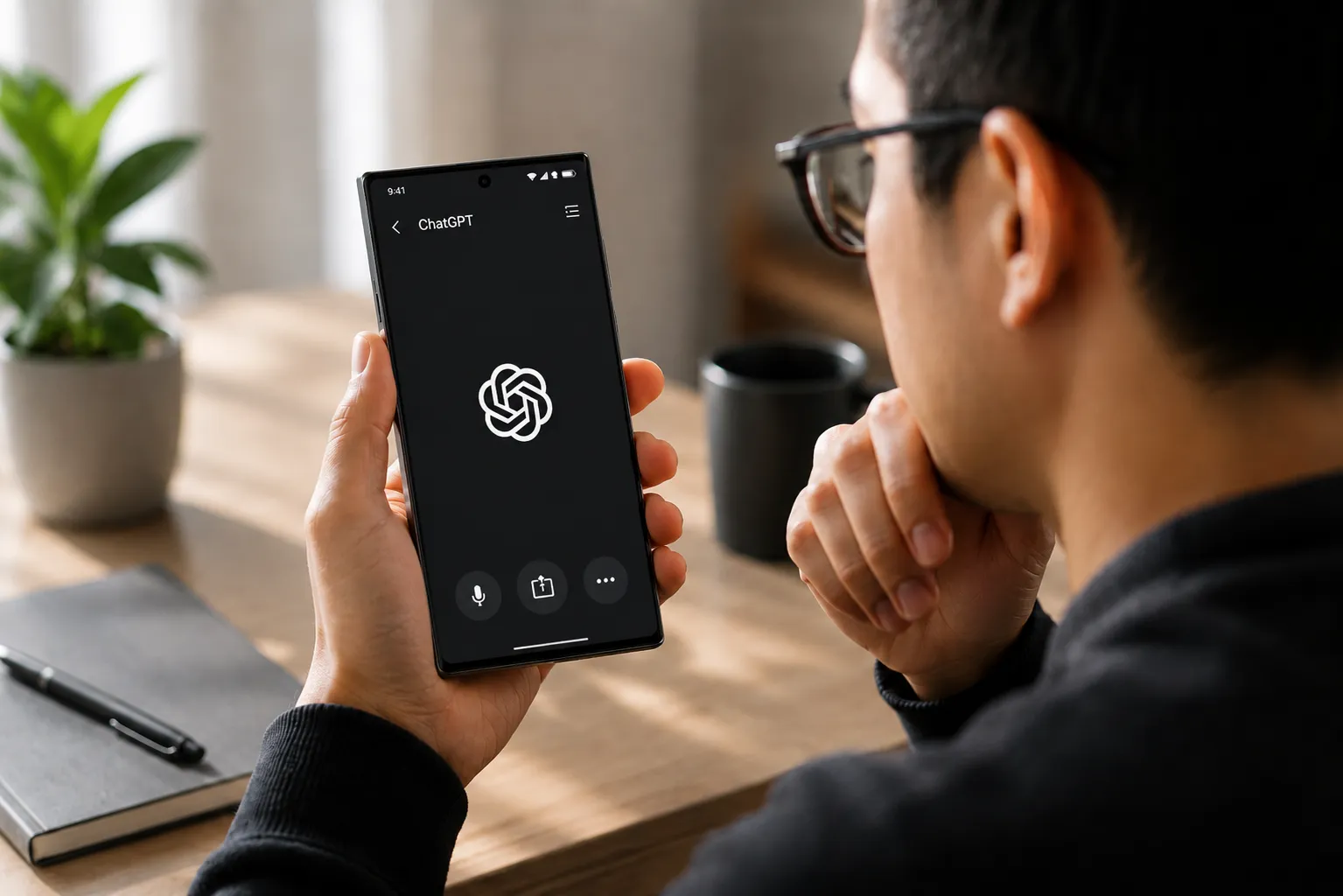
Based on OpenAI's own demo posted alongside the announcement, the basic flow looks like this: tap the waveform icon in the message composer, start talking, and watch the transcript build on screen as it goes. Tapping the waveform again toggles whether that live text is visible. Once finished, review the transcript, fix anything that came out wrong, and send it as a normal message (9to5Mac, yesterday).
Android users should know about a related change OpenAI made in August: the dictation button now stays available even after text or attachments have already been added to a message (iThinkDiff, yesterday). That's useful for anyone who types part of a message, then wants to add the rest by voice instead of starting over.
If Live Dictation hasn't shown up yet, that's consistent with a staged rollout, not proof of anything broken. The simplest check is to open the message composer, tap the waveform, and speak a short line. If text builds on screen while talking, the feature has arrived; if dictation still behaves the old way, it hasn't yet, and checking back in a few days beats assuming the app needs reinstalling.
Live Dictation vs. ChatGPT Voice: don't confuse the two
Live Dictation and ChatGPT's Voice feature solve different problems, and mixing them up sets the wrong expectations. Live Dictation turns speech into editable text for a single message. ChatGPT Voice, powered by the GPT-Live model, is a spoken back-and-forth conversation where the assistant talks back in real time (Digital Today, today).
OpenAI says voice usage has grown substantially since it launched GPT-Live on July 8, and the company has said Advanced and Standard Voice will retire on December 11, 2026 (iThinkDiff, yesterday). That's a separate product timeline worth knowing only because it has nothing to do with how Live Dictation itself behaves.
The distinction matters most for anyone using voice input as part of an accessibility workflow. One user on the OpenAI Developer Community described relying on voice-to-text to compose messages, getting a written response back, and then using Read Aloud to hear that response. For that user, OpenAI Support acknowledged that Voice Mode does not replace this workflow, without committing to a fix or a timeline (OpenAI Developer Community, two months ago). Anyone depending on that same text-in, text-out, audio-read-back loop should keep using Live Dictation paired with Read Aloud rather than assuming Voice Mode fills the same role.
Update the ChatGPT app, test the waveform with something short first, and treat the removed 10-minute limit as permission to dictate longer messages, not a guarantee against failures. Review the transcript before sending anything long or important until OpenAI documents a replacement maximum.




Comments
Be the first, drop a comment!