



Why Is My Phone Slow After a Software Update? Explained
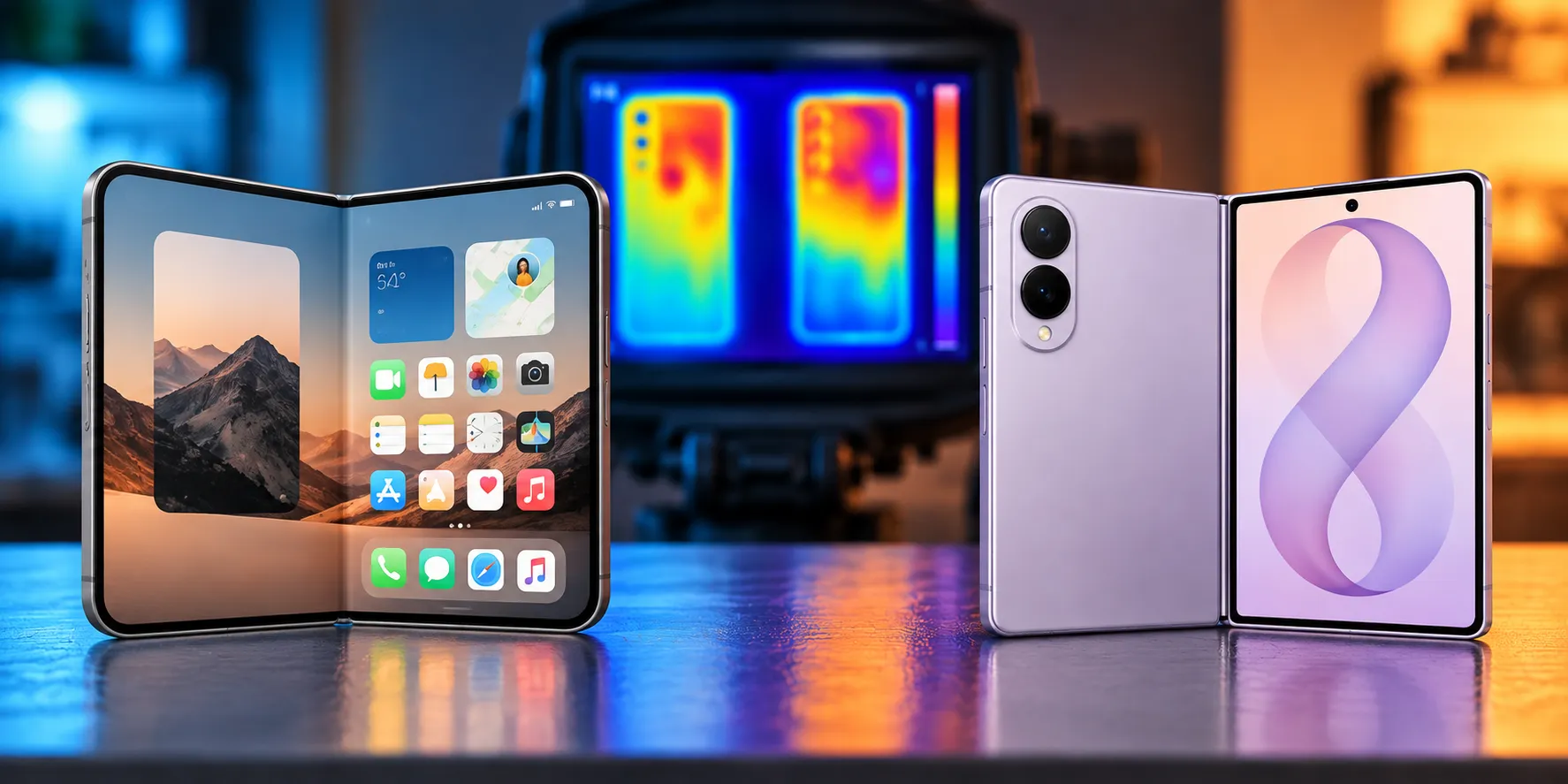
Install a system update, and within the hour the phone feels different: apps stutter, the case warms up, and the battery percentage drops faster than it did yesterday. That's the opposite of what an "update" is supposed to deliver, and it happens on iPhone and Android alike (Engadget reports).
The short answer is that this usually isn't a broken update. It's the phone finishing setup work in the background, and in most cases it clears up within a few days, though Apple's own language leaves room for longer: indexing "can take hours or even days" depending on how much data is on the device (Apple Support). Sony has told Engadget that Android's version of this process usually wraps up within two days, but that's a platform-specific estimate, not a universal deadline (Engadget).
Apple is direct about the trade-off. Even though the phone is usable right after an update, "certain tasks related to the update continue in the background and might affect battery life and thermal performance" (Apple Support). Google treats a similar bump in drain after a Pixel update as expected rather than a defect (Down to the Metal).
What follows breaks down what's actually running in the background on each platform, how to tell normal finishing work from a real problem, and what order to try fixes in before assuming the update itself is to blame.
Why is your phone slow right after installing an update
Installing an iOS or Android update doesn't just swap out code. It kicks off background processes that reorganize and verify everything stored on the device before performance settles back to normal (Engadget). Think of it less like flipping a switch and more like moving into a new apartment: the keys work immediately, but boxes still need unpacking before the place actually functions.
That unpacking competes with whatever else the phone is trying to do. The indexing work causes spikes in CPU and GPU usage, which means fewer hardware resources are left over for the apps and animations running on top (Engadget). That's the stutter reader notice scrolling through an app or switching screens soon after updating.
Older phones tend to feel this more. Newer devices have more powerful, efficient chips that can absorb the background load without much visible slowdown, while aging hardware has less headroom to spare (Engadget).
Why is my iPhone slow after an iOS update
On iPhone, a big piece of this work is Spotlight search reindexing all the data on the device. Apple says this can take "hours or even days" depending on how much content is stored, though later incremental updates index much faster since they don't have to start from scratch (Apple Support). If this is still running, the phone might show a notification that search and Siri are optimizing, or that Mail indexing is incomplete.
Messages has its own version of this. Apple says shared links, photos, and other media can take a noticeable delay to reappear in conversations after an update, because the app needs to reindex that data, and depending on the size of saved Messages history, the process can finish quickly or stretch out to a few days (Apple Support).
Both processes finish faster under specific conditions. Apple says Spotlight and Messages indexing complete more quickly when the iPhone is locked, connected to power, and on Wi-Fi (Apple Support). A phone that's constantly being picked up and used during that window simply takes longer to catch up.
Worth checking separately: Apple's release notes sometimes name specific post-update bugs rather than leaving everything to background indexing. The iOS 27 update released last week, for example, listed fixes for iPhone 18 Pro models unexpectedly restarting when Face ID failed, and for the touchscreen becoming unresponsive after opening Notification Center and Control Center together (Apple Support). If a symptom matches something in an official changelog, that's a named bug, not a reindexing side effect, and the fix is usually the next update rather than patience.
Why is my Android phone slow after an update
Android's equivalent runs through a system component called ART Service. On Android 14 and newer, ART Service runs a background optimization job that prepares installed apps' code to run efficiently, and that job is scheduled to trigger once a day when the phone is idle and charging (Down to the Metal, citing Android developer documentation).
The conditions matter more than they might seem. Android's job scheduler cancels the optimization task the moment the phone stops being idle or stops charging, so a phone that gets picked up repeatedly during that window may never finish the job in one pass (Down to the Metal). "Charging" is also stricter than simply being plugged in: if the phone is busy enough that the battery still drains despite being connected, jobs that require charging won't run at all, with something like a video call over USB power being a common example (Down to the Metal).
Android also runs its own data verification pass after an update, confirming nothing was lost or corrupted during the install, which is a separate contributor to the slowdown on top of ART Service's work (Engadget).
Phone battery draining after a software update: what counts as normal
On iPhone running iOS 18 or later, Settings > Battery can surface an "Ongoing iOS Update" Insight while that leftover background work is still active. Apple says battery life should return to normal once the activity finishes (Apple Support). Its guidance for shorter battery life after an update is to simply wait a few days and check again, not to assume something is broken (Apple Support).
Warmth tracks the same pattern. Apple lists it among the normal effects of background processing after an update, not a sign of a hardware problem on its own (Down to the Metal). Google frames Pixel drain the same way, describing a bit of extra drain after an update as expected and asking users to flag it only if it continues past a few days (Down to the Metal).
The most useful thing to do with that window is give the phone ideal conditions to finish the work. An overnight charge with the screen off and Wi-Fi connected checks every box Apple and Android's job scheduler look for: not in use, charging, and connected (Down to the Metal; Apple Support).
When phone overheating after a software update isn't normal
Mild warmth during background indexing is expected. A temperature warning screen, or a notice that charging has paused because of heat (sometimes labeled "Charging On Hold"), is a different situation entirely and isn't covered by the "just wait" guidance that applies to routine post-update warmth (Down to the Metal). If that warning appears, it's worth treating as a standalone issue to investigate rather than something to wait out alongside indexing.
Wait it out or troubleshoot now?
The hardest part of this whole situation is knowing which bucket a given symptom falls into. A rough way to sort it:
- Normal and worth waiting on: mild warmth, a modest battery dip in the first day or two, an "Ongoing iOS Update" Insight showing in Settings > Battery, or sluggishness that started the moment the update finished installing.
- Worth checking now, not necessarily a bug: battery drain that's still unusual after several days with no update Insight showing, a specific app using an outsized share of battery in Settings, or slowdowns that trace to a major OS update on an older phone rather than to indexing.
- Not update-related indexing at all: a temperature warning or charging paused for heat, and any symptom that matches a named bug in the update's official release notes.
Persistent symptoms past that first window are worth checking against storage, app versions, and battery health, but they don't automatically rule out an update-related bug. If something still feels wrong after working through the list below, checking the manufacturer's support page for known issues with that specific update is a reasonable next step before assuming it's just hardware age.
How long should indexing and optimization take
Apple's own range is "hours or even days" for Spotlight, with a few days possible for Messages depending on how much data needs reindexing (Apple Support; Apple Support). Sony has told Engadget that Android's indexing process after an update usually takes no more than two days (Engadget). Neither figure is a hard guarantee, just the range both companies point to as typical.
Hardware age changes what happens after indexing finishes, too. Major OS updates are generally built around current hardware, so even once the background work wraps up, an older phone may still struggle with newer animations and features that simply ask more of the chip than it has to give (Engadget). Engadget points to iOS 7's rough performance on the iPhone 4 as an example that not every update slowdown is temporary. Sometimes the hardware genuinely can't keep up with what the new software asks of it.
How to fix a slow or overheating phone after an update
Start with a reboot. It won't finish leftover indexing any faster, but it clears a surprising number of lingering slowdowns on its own (Engadget). While doing that, update every app with a pending download in the App Store or Google Play; older app builds aren't always optimized for the new OS version and can be the actual source of stutter (Engadget).
Check storage next, regardless of platform. Running low on free space is one of the most common causes of a slow phone with or without a recent update, so clearing some out is worth doing either way (Engadget).
On iPhone, check Battery Health in Settings. Some phones throttle processor speed to avoid unexpected shutdowns when the battery is degraded, and Apple's specific signal to consider a replacement is a "Service" label appearing next to Battery Health (Apple Support; Down to the Metal). If that label isn't there, battery drain in the days after an update isn't evidence the battery needs replacing.
On Android, the most effective thing is simply leaving the phone alone: idle and charging, with Wi-Fi on, so ART Service's background job has a clear window to run and isn't cancelled mid-task (Down to the Metal). If drain stays unusual past a few days, reporting it through the device maker's support channel is the next step Google points users toward, rather than assuming it will resolve on its own indefinitely (Down to the Metal).
A factory reset should be close to the last resort. There's no cited evidence that resetting speeds up leftover update processing, and on a Pixel it actively creates new work: Google says Adaptive Battery's learning process restarts after a reset and can take a few weeks to fully optimize again (Down to the Metal). On iPhone, a reset followed by restoring from backup just triggers another round of the same indexing Apple already lists as a normal cause of warmth, so it's unlikely to solve anything faster.
Downgrading the OS is technically possible on some phones, but Engadget notes it's complicated and not supported on every device. If performance still hasn't improved after working through storage, apps, and battery health, the phone's hardware may simply be reaching the point where it can't comfortably run the newest software (Engadget).
What to check before you assume the update broke your phone
Give it the easy stuff first: an overnight charge with the screen off and Wi-Fi on, and a look at Settings > Battery for an "Ongoing iOS Update" Insight on iPhone. That single charge satisfies the conditions both Apple's indexing and Android's ART Service look for, and it's the fastest way to find out whether the slowdown is just unfinished background work (Down to the Metal).
If the phone is still sluggish, hot, or draining fast after a few days, work down the list in order: update every app, clear up storage space, check Battery Health, and compare any symptoms against the update's official release notes for named bugs. Save the factory reset and any OS downgrade for last, and only reach for them once everything above has been ruled out. Past that point, a phone that's still struggling is probably telling you less about this particular update and more about how much longer its hardware can keep pace with current software.




Comments
Be the first, drop a comment!