





Android 17 QPR3 Beta 3 Pixel update fixes black screens, crashes
Google began rolling out the Android 17 QPR3 Beta 3 Pixel update on October 29, with a changelog listing 26 fixes, according to 9to5Google (yesterday). The report names three of those fixes directly: a foldable's inner display staying black after unfolding, intermittent crashes clustered around the lock screen or shortly after startup, and a Recents overview that flickers when a home gesture follows quick app-switching (9to5Google, yesterday).
9to5Google's report doesn't list the remaining 23 entries. This piece covers what's documented about those three named fixes, how Beta 3 stacks up against Beta 2's fix list from nine days earlier, and what to confirm before installing or enrolling.
What the Android 17 QPR3 Beta 3 Pixel update fixes
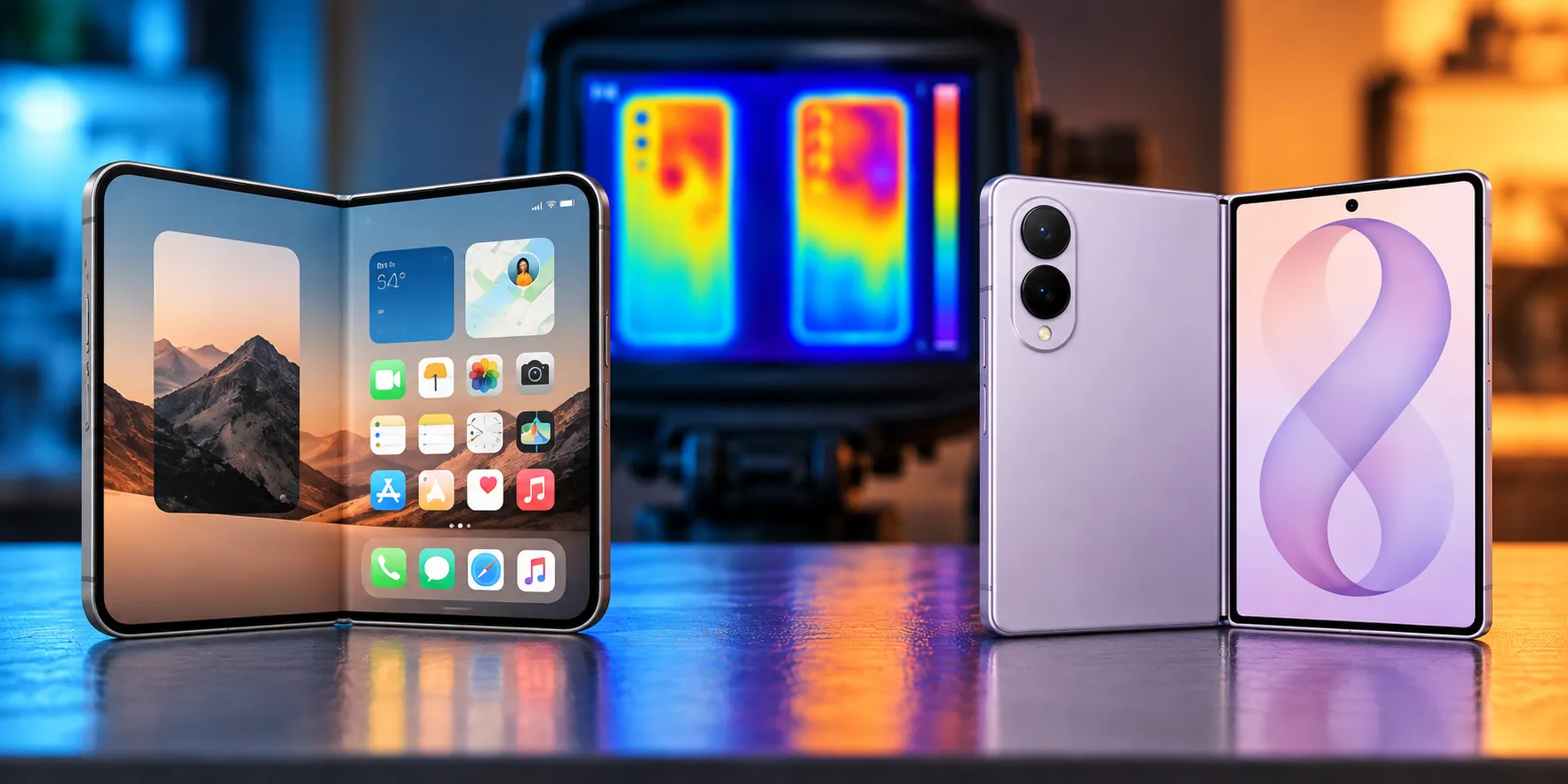
Google lists an issue where a foldable's inner display remains black after the device is unfolded (9to5Google, yesterday). The changelog doesn't name a cause, so treat this as a documented symptom rather than an explained bug.
The second named fix covers intermittent crashes on the lock screen or shortly after startup (9to5Google, yesterday). Google's own wording uses "intermittently," which describes how the company characterizes the issue, not how often it will actually show up on any individual phone.
Third is a reported Pixel app-switching fix: Google lists flickering in the Recents overview when a home gesture follows quick app-switching (9to5Google, yesterday). The listed condition is specific, a home gesture right after rapid app-switching, not a broader complaint about Recents performance in general.
Those three are the only entries detailed in 9to5Google's report, and together they cover the clearest Pixel black screen and crash fixes in this release. Anyone chasing a different complaint, say a modem drop or an NFC failure from an older build, should check Google's own Beta 3 release notes rather than assume it's buried among the other 23.
How the Android 17 QPR3 Beta 3 fixes compare to Beta 2
Beta 2 arrived nine days earlier, on October 20, with 21 listed fixes, according to 9to5Google (10 days ago). Its named fixes targeted devices crashing and rebooting during normal use, tracked across eight separate issue IDs, a display turning black and unresponsive after ending a phone call, and system UI, fonts, and apps rendering at an abnormally small scale regardless of display settings (9to5Google, 10 days ago).
The shift from Beta 2 to Beta 3 moves from a broad crash-and-reboot cluster and a post-call black-screen bug toward foldable-unfolding failures and a Recents navigation glitch. That's a change in which symptoms got named between builds, not proof that overall stability improved or declined over those nine days (9to5Google, 10 days ago; 9to5Google, yesterday).
Earlier Android 17 beta fixes show why the full changelog matters
Three months ago, Android 17 QPR2 Beta 1 addressed a different set of problems entirely, including Bluetooth re-pairing that failed silently after a remote bond loss and a system crash triggered by invoking Gemini that caused unexpected reboots (9to5Google, 3 months ago). Neither issue has any documented connection to Beta 3's foldable, crash, or Recents fixes.
That gap matters when reading any beta changelog summary. Fixing one named bug in a given release says nothing about whether a separate, older complaint got addressed in that same build or a later one. The only way to know is to check Google's own notes for the specific issue in question.
Who can install the Android 17 beta update for Pixel phones
Current reporting doesn't spell out Beta 3's exact device list or build number. What is confirmed: Google stated three months ago that the Pixel 6 and 6 Pro reached end of life after the QPR1 beta series and wouldn't receive further QPR updates (9to5Google, 3 months ago). That's a reminder that eligible devices shift between builds without much fanfare.
Don't assume whatever lineup ran a previous beta carries over automatically to this one. Check the Android Beta Program page for your specific device before enrolling or updating, and compare whatever build number lands on your phone against Google's official documentation once it's published.
Third-party coverage, including this piece, only details the fixes writers chose to call out, not the complete 26-item list.
Why a four-month-old community report still matters
Four months ago, during an earlier QPR beta cycle, a Pixel 9 owner described dropped and failed calls, broken contactless payments, and reboots that kept recurring even after disabling VoLTE and Wi-Fi Calling (Google Pixel Community, 4 months ago).
That's one user's account from a different, older build, not evidence about how Beta 3 performs. It can't establish a Beta 3-specific risk, but it's a reminder that beta software can affect calling and tap-to-pay even when a changelog's named fixes don't mention either. The three fixes detailed here say nothing about calls, NFC, or payments. Anyone who depends on their phone for those should weigh that gap before enrolling, rather than assume three named fixes mean the rest of the build is solid.
Should you install this Android 17 QPR3 Beta 3 Pixel update?
If you're already enrolled in the QPR3 beta on a supported device, compare your build number against Google's official Beta Program information before installing Beta 3. The three named fixes, covering the black foldable display, lock-screen and startup crashes, and the Recents flicker, target documented problems, though nothing in current reporting confirms how they hold up once installed on a wide range of phones.
If you're on stable Android and weighing whether to join the beta specifically for these fixes, don't enroll on that basis alone. Google hasn't confirmed Beta 3's full device list, build number, or complete release notes in what's been reported so far.
And if you're chasing an older complaint, a modem drop, an NFC failure, or a display-scaling bug, this changelog doesn't name any of those. Check the Android Beta Program page and Google's own release notes for your device before acting either way.







Comments
Be the first, drop a comment!