



Audiophile.fm Free Lossless Radio App: Who It's For
The Audiophile.fm free lossless radio app, a FLAC radio aggregator that requires no account and runs with no in-app ads, is now available as a native app on iPhone and Android, after launching first as a web player (Audiophile.fm; Audiophile.fm). The Android app went live on Google Play on Oct. 7, 2026, and the iPhone version followed on the App Store on Oct. 18, 2026, requiring iOS 26 or later (Audiophile.fm; Audiophile.fm).
Audiophile.fm functions as a lossless radio station aggregator rather than an on-demand library, based on how the company describes the service: choose a station, not a song (Audiophile.fm). There's no AirPlay or Google Cast support yet, which matters most if casting to a smart speaker or TV is part of your routine, so it's worth knowing before treating this as a drop-in replacement for Spotify or Apple Music.
What the Audiophile.fm app for iPhone and Android can do now
The iPhone app needs iOS 26 or later, according to Audiophile.fm's own launch post and confirmed by TechRadar's hands-on coverage. Audiophile.fm's Android launch post doesn't state a minimum Android version, so there's no published floor to check there, though that silence isn't proof Google Play has no requirement at all.
A browser version predates both mobile apps, so anyone on an older iPhone, or who just wants to try a few stations before installing anything, can likely still listen at Audiophile.fm without downloading a thing, since the web player was already running before either app shipped (TechRadar).
Setup is minimal by design. There's no Audiophile.fm account to create on any platform, just pick a station and press play (Audiophile.fm). That low barrier makes the free lossless radio streaming app easy to test without risk, which raises the real question: whether the format fits how you actually listen.
How Audiophile.fm's station discovery works
The app pulls together curated, human-programmed stations streaming lossless FLAC across genres including jazz, classical, rock, electronic, and ambient, drawing from free FLAC radio stations around the world (Audiophile.fm). Each station lists its genre tags up front, according to Tom's Guide's hands-on review, so listeners can tell at a glance whether it fits their taste (Tom's Guide).
The format centers on picking a station rather than a specific track, based on how Audiophile.fm describes the service and how both reviewers used it (Audiophile.fm). TechRadar's reviewer described the appeal as the pleasure of unpredictable station programming, pointing to a single listening session that moved from Daft Punk to French jazz to Underworld deep cuts to Beck to Culture Club and then to Alien Ant Farm (TechRadar). That's one reviewer's session, not evidence that algorithms can't produce variety, but it illustrates what the format is built around.
Favoriting a station also triggers recommendations. A Tom's Guide reviewer tested this directly: after adding "High Fi Dream Radio" to favorites, the app immediately surfaced "Cro Radio Wave," a second station playing artists in a similar vein (Tom's Guide).
Developer Bojan Vidanovic has said he built the app because he wanted "an easier way to find and listen to lossless radio stations," bringing together handpicked stations across jazz, classical, rock, electronic, and more, according to comments shared with TechRadar (TechRadar). Audiophile.fm's own launch posts also list background playback, lock-screen controls, a "Continue Listening" history, and synced lyrics when available (Audiophile.fm; Audiophile.fm). Those are the company's stated capabilities rather than independently tested results, so it's worth confirming they behave as described once you're actually using the app.
What to check before you rely on it daily
AirPlay and Google Cast aren't supported yet. Both TechRadar and Tom's Guide reported the gap, and TechRadar noted it's on the developer's roadmap with no timeline attached (TechRadar; Tom's Guide). If your setup depends on beaming audio to a soundbar or TV, this app doesn't fit that routine yet.
CD quality, in Audiophile.fm's own terms, means lossless audio at 16-bit/44.1kHz, the resolution of a standard audio CD; sample rate describes how many measurements the audio captures per second, while bit depth sets the precision behind those measurements and the format's dynamic range (Audiophile.fm). The player displays sample rate, bit depth, and bitrate when that data is available, which lets listeners check exactly what resolution a given station is streaming rather than assuming a flat standard applies across the whole catalog (Audiophile.fm).
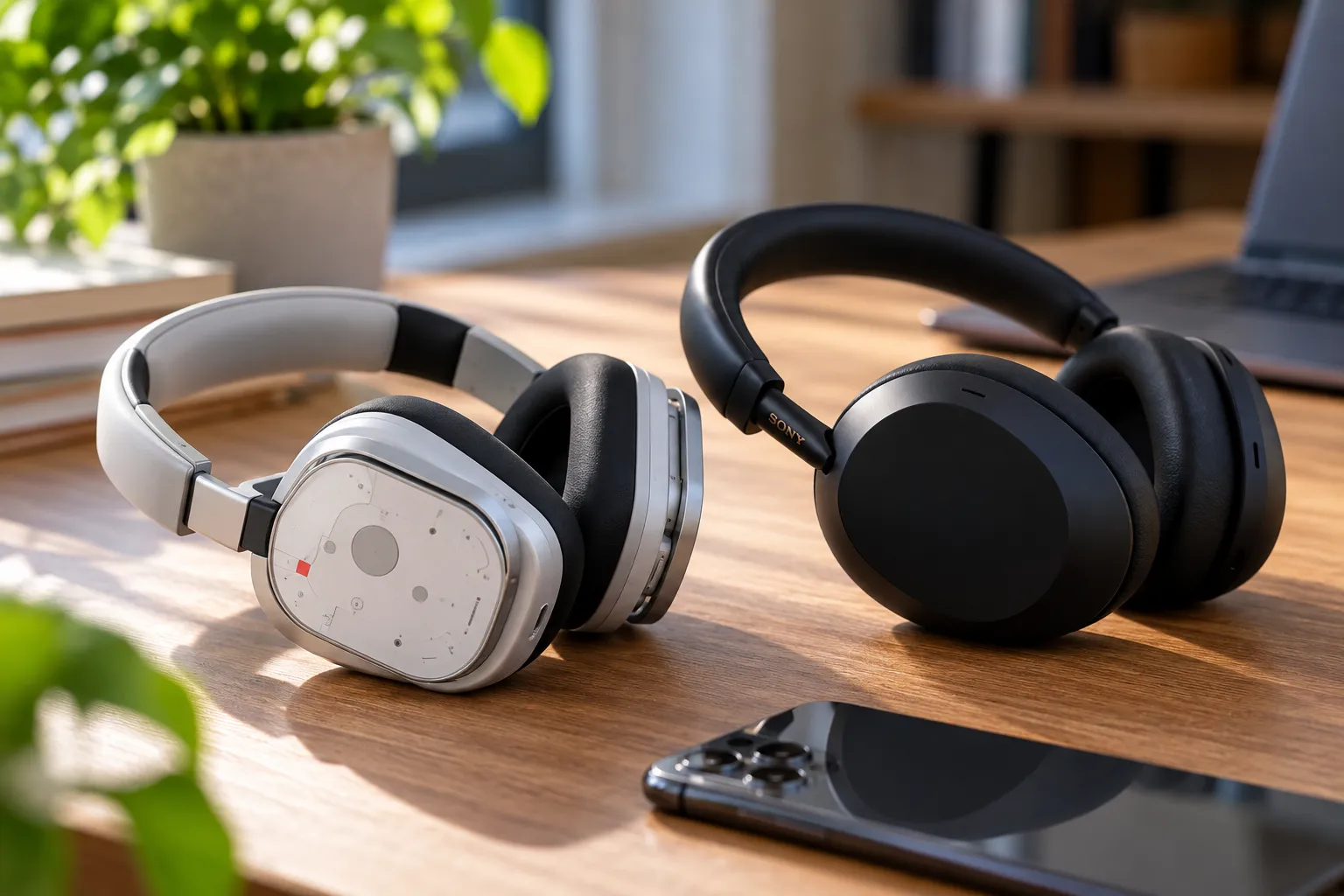
Worth knowing: standard Bluetooth doesn't have enough bandwidth to carry lossless audio without compressing it first, per Spotify's technical explanation of the same limitation published last year (Spotify Newsroom). For the output methods documented here, wired headphones or speakers are the clearest way to preserve the lossless path, since Audiophile.fm has no Cast or AirPlay route to a non-Bluetooth wireless output yet.
Data use is a real consideration for cellular listeners. An 800kbps stream runs through roughly 360MB per hour before connection overhead, according to Audiophile.fm's own explainer on CD-quality streaming (Audiophile.fm). That adds up fast without Wi-Fi.
Audiophile.fm bills itself as an ad-free hi-res music streaming app, but that description covers the app shell, not every station in it. TechRadar reported that some individual stations run their own ads to cover costs, so a fully ad-free session isn't guaranteed across the whole catalog (TechRadar).
Audiophile.fm's launch materials don't confirm whether the app supports offline downloads, on-demand track selection, or saved playlists. The radio-aggregator format suggests those features aren't the current focus, but that's a reasonable guess, not confirmation, so check the current App Store or Google Play listing rather than assume either way.
On money: developer Bojan Vidanovic told Tom's Guide the project is self-funded, saying "it was cheap at the beginning but now the costs are starting to mount," while also confirming "the stations are free as this project" (Tom's Guide). TechRadar separately reported that the plan is apparently to keep the core app free while adding paid features at some point down the road, though nothing is finalized (TechRadar). Today's no-cost model isn't guaranteed to stay unchanged.
What to do next
Test Audiophile.fm on Wi-Fi first, and open the player on a few stations to check the actual sample rate and bitrate rather than assuming uniform quality across the catalog. The app works on Android now and on an iPhone running iOS 26 or later, and there's nothing to lose by trying it, since there's no account to create and no cost either way.
For the output methods documented here, wired headphones or speakers are the clearest way to preserve the lossless signal end to end, while Bluetooth listeners will hear a compressed version of the same stream, not an unusable one. If casting to a speaker or TV, offline listening, or picking individual tracks on demand is central to how you listen day to day, keep your current streaming service for that job until Audiophile.fm's roadmap catches up, and watch the developer's own posts for updates on AirPlay, Cast, and any paid tier.





Comments
Be the first, drop a comment!