



![Nintendo DS Lite Polar White (Renewed) [video game]](https://m.media-amazon.com/images/I/51B22y4LVUL._AC_UY218_.jpg)

![Nintendo DS Lite Cobalt/Black (Renewed) [video game]](https://m.media-amazon.com/images/I/41YXfQ3-DeL._AC_UY218_.jpg)
Delta 2.0 update adds Genesis support, iPhone Duo screens
The Delta 2.0 update landed yesterday, giving the retro-game emulator a dual-screen layout built specifically for Nintendo DS games on Apple's new iPhone Duo and adding Sega Genesis and Mega Drive emulation for every user, the first new system Delta has supported since its 2024 App Store debut (iThinkDiff, yesterday). The release went live on the App Store and AltStore PAL in time for the Duo's retail launch on October 23 (iThinkDiff, yesterday).
Delta's team called the update its "biggest update ever" in the release announcement, citing Genesis support, a Liquid Glass interface overhaul, and RetroAchievements tracking alongside the Duo-specific layouts (iThinkDiff, yesterday). The app has passed 20 million downloads over the past two years, according to Delta's own figures (iThinkDiff, yesterday).
What the Delta 2.0 update adds on iPhone Duo and other Apple devices
Delta remains a free download with an optional "Become a Patron" in-app purchase, and it runs on iPhone, iPad, Apple Silicon Mac, and Apple Vision, with support for Nintendo, PlayStation, and Xbox controllers (iThinkDiff, yesterday). None of that changes with 2.0; what's new is where the update is available.
This release marks Delta's first official launch on the EU App Store, after an earlier obstacle tied to Apple's Core Technology Fee, which the developers said could have cost millions of dollars, was resolved (GamersExtra, yesterday). Delta stays available on AltStore PAL in the EU as well.
As with every system Delta supports, nothing comes preloaded. Users import their own game files for DS, Genesis, or any other platform the app emulates; Delta does not distribute ROMs (iThinkDiff, yesterday).
Delta emulator Nintendo DS on iPhone Duo: how the dual-screen layout works
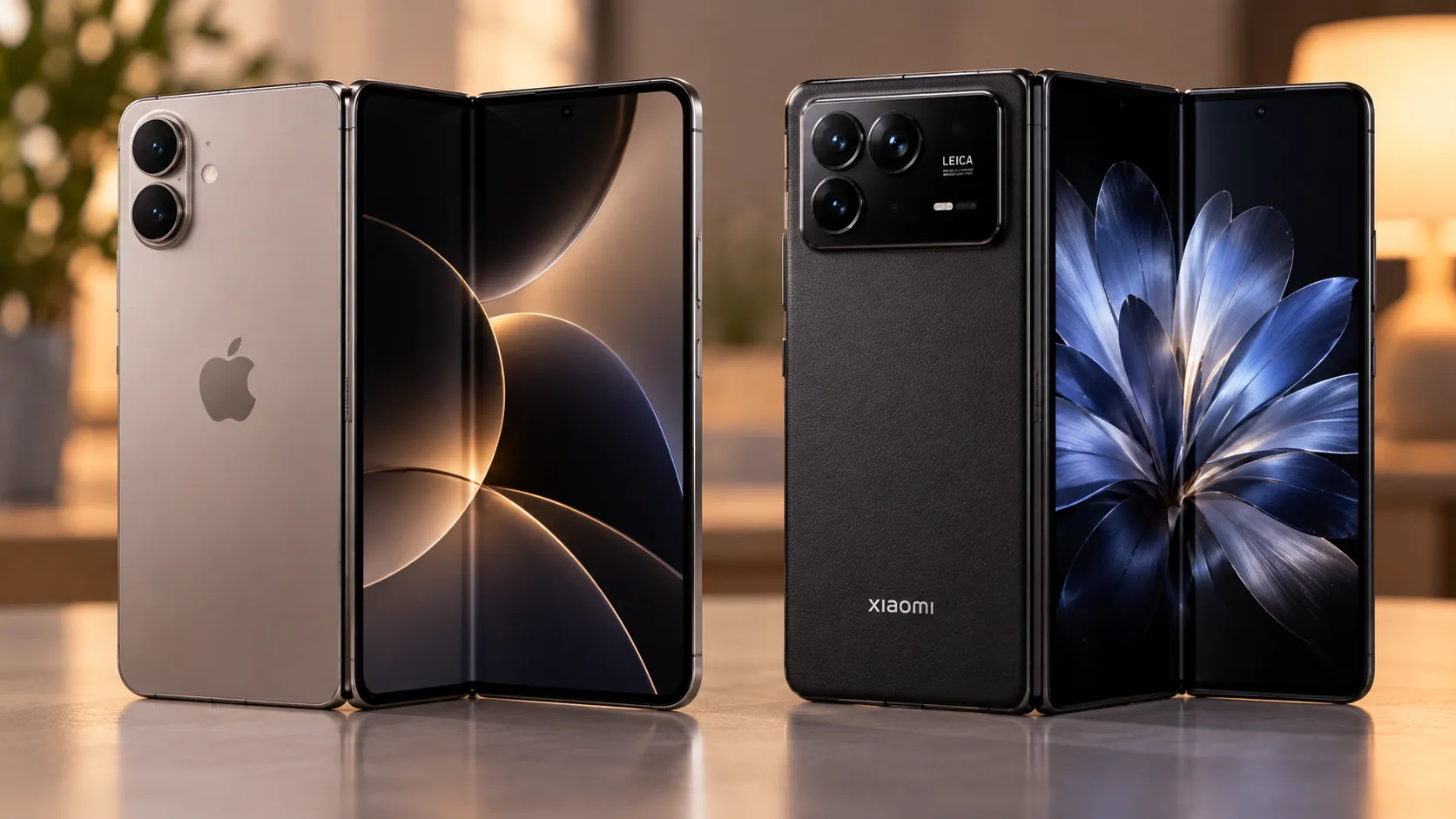
Delta's new Nintendo DS layouts stretch across the Duo's full inner display, wrapping over the hinge crease when the phone is partially folded into book mode (9to5Mac, yesterday). Delta co-founder Riley Testut says the result is unlike anything the app has offered before, comparing the fold to opening the clamshell DS from 2004 (GamersExtra, yesterday).
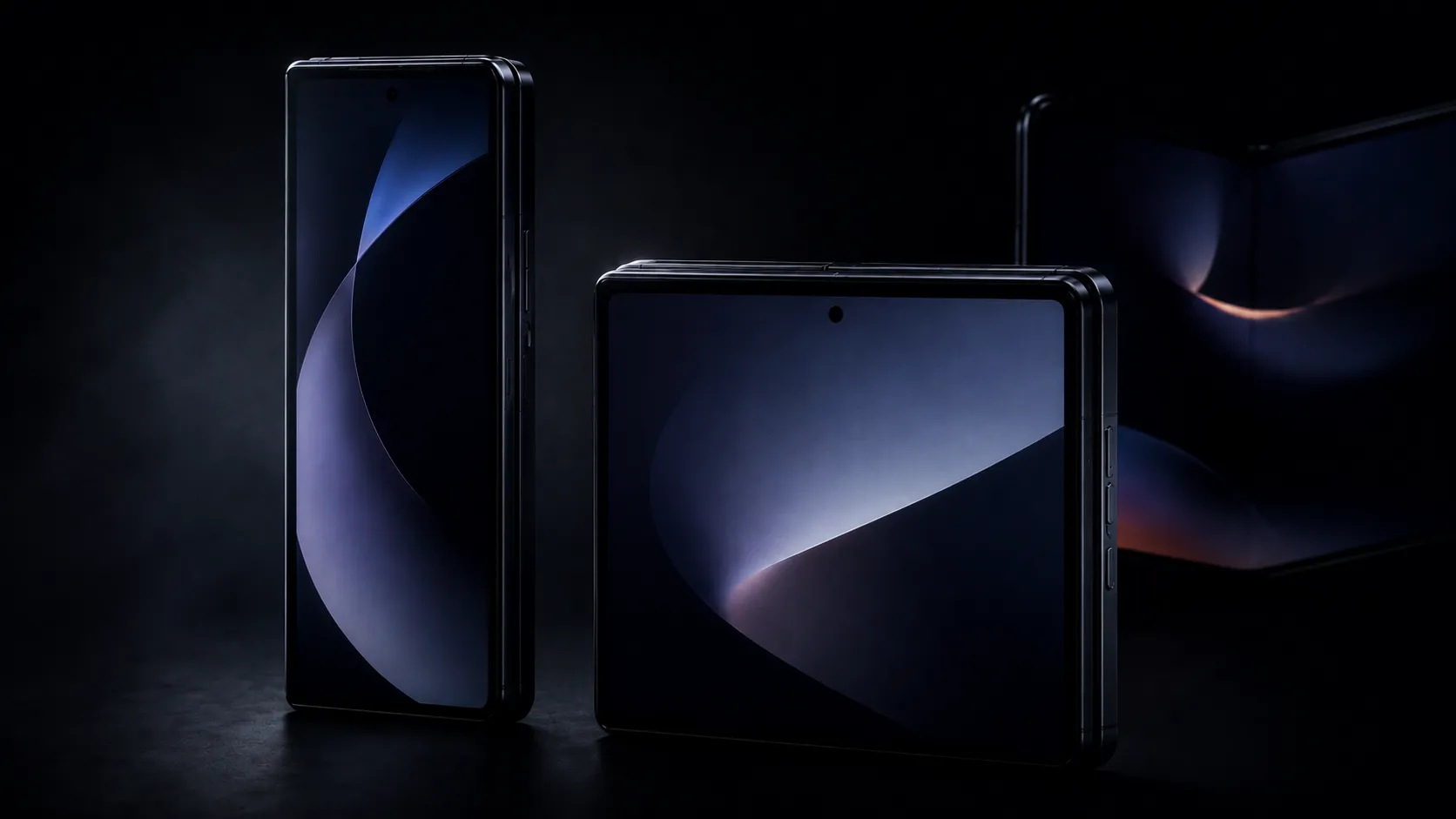
Testut told The Verge the controller skins are optimized for "every pose in both portrait and landscape" the Duo can fold into (The Verge, yesterday). That detail matters for anyone who switches between tabletop, half-folded, and flat postures mid-session, since a layout tuned for one pose can turn clumsy in another.
Closing the Duo automatically puts an emulated DS game to sleep, echoing the lid-close behavior of the real console, and Delta's interface still reflows correctly when the Duo is closed to its outer screen (9to5Mac, yesterday). In Split View, a Delta game can run alongside another app without being squeezed to a fixed half-screen ratio (9to5Mac, yesterday).
All of this comes from Delta's own announcement and developer statements to outlets covering the launch. That's useful context, but it describes what the app is designed to do, not independent measurements of crease visibility, touch responsiveness, or how the layout holds up across a real play session.
Delta 2.0 Sega Genesis support: what changes for every user
Genesis and Mega Drive emulation is the first new platform Delta has added since its 2024 launch lineup of NES, SNES, N64, Game Boy, Game Boy Color, Game Boy Advance, and DS (iThinkDiff, yesterday). That's a real expansion beyond the app's Nintendo-only roots, not a minor add-on.
New controller skins recreate the look of the original Genesis pad, and the system ships with save states and built-in Action Replay and Game Genie cheat support (Digital Trends, yesterday). Playing requires importing your own Genesis files, the same rule that applies to every other system in Delta.
What's missing from the available coverage: regional ROM differences, BIOS requirements, Sega CD or 32X compatibility, and controller latency aren't addressed in any of the reporting on this release. Treat that as an unspecified gap in the public documentation so far, not a flagged bug.
Delta 2.0 RetroAchievements support and other universal upgrades
RetroAchievements brings community-built achievement tracking to supported games, along with a Hardcore mode that disables save-state loading and cheats for players who want a stricter, achievement-focused run (Digital Trends, yesterday). Achievement progress now shows up when a game launches rather than staying buried in a menu (GamersExtra, yesterday).
Fast-forward settings can now be set per game, and new audio controls let game sound mix with music or podcasts instead of cutting them off (9to5Mac, yesterday). Players using external controllers can long-press to reposition the game screen anywhere on the display, and controller skins now support animation, including an official animated Game Boy Advance design (GamersExtra, yesterday).
The update also fixes two named bugs rather than vague "performance improvements": crackling SNES audio and NES games that occasionally opened to a black screen (Digital Trends, yesterday). On iPad, multitasking gets smoother, and users can now delete multiple save states at once instead of one at a time (Digital Trends, yesterday).
The interface itself picks up Apple's Liquid Glass design across menus, system icons, and default game artwork, plus new Recently Played and Favorites sections in the library (The Verge, yesterday). All of these changes apply regardless of which supported Apple device is running Delta.
Experimental features and open questions in Delta 2.0
Delta 2.0 adds support for Epilogue's GB Operator and SN Operator accessories, letting owners of those devices connect compatible physical cartridges, play them natively in the app, and read or write save files directly, rather than just viewing cartridge contents (Digital Trends, yesterday). Which cartridges each accessory supports isn't spelled out in the available coverage, so that's worth confirming against Epilogue's own compatibility list before buying either device.
Custom visual filters, including a CRT-style default and support for importing third-party filters, are listed as experimental and can be applied on a per-system basis (The Verge, yesterday).
Pokémon "DLC," event items and rare Pokémon built by the Pokémon ROM-hacking community for mainline Game Boy Advance titles, has conflicting status reports. Digital Trends reported that Pokémon Emerald content was already live and accessible through Delta's pause menu (Digital Trends, yesterday), while Testut told The Verge the first DLC was coming "soon" (The Verge, yesterday). Those two accounts haven't been reconciled, so checking the in-app pause menu directly is the only way to know what's actually there right now.
What to check before updating
Delta's team is framing 2.0 as a turning point for the app: a new emulated system, a foldable-specific control scheme, and the first official EU App Store release all landing in the same build (GamersExtra, yesterday). Whether the Duo layout holds up in daily use, and how Genesis handles edge cases like regional ROMs, hasn't been tested by anyone outside Delta's own team as of this week.
iPhone Duo owners can update now and try their own DS files in tabletop or half-folded mode to judge the dual-screen layout firsthand. Anyone on another supported Apple device still gets the Genesis library, RetroAchievements, and the bug fixes regardless of hardware. Buyers considering a Duo mainly for DS emulation should wait for independent hands-on impressions of hinge behavior and crease visibility before treating Delta's layout as a reason to buy.







Comments
Be the first, drop a comment!