





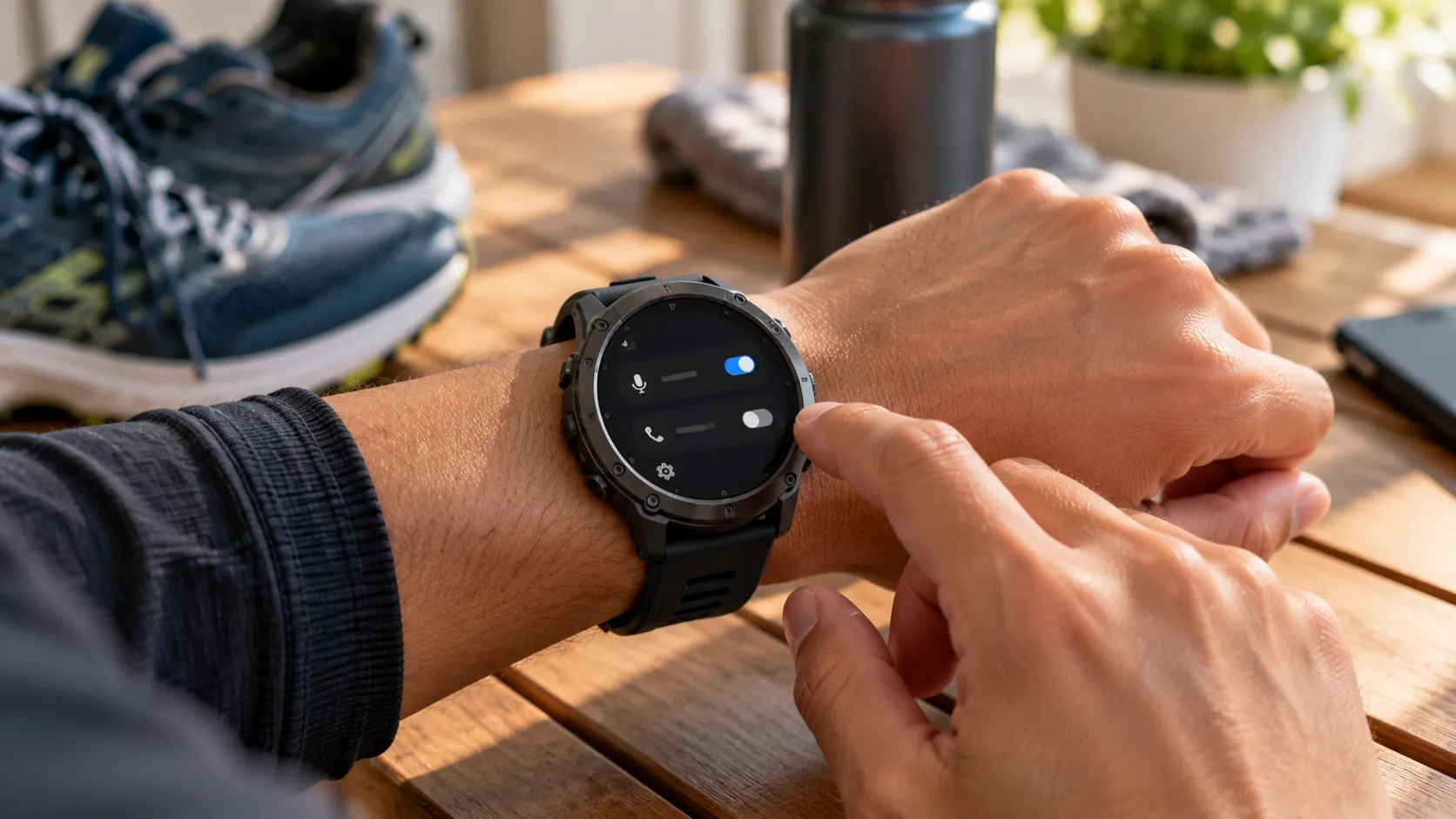
Fenix 8 and Forerunner 970 owners are reporting serious battery drain tied to Garmin's "OK Garmin" wake word, with battery estimates falling from 15 days to nine in some cases and from 12 days to six in others, according to TechRadar, reporting October 19.
The hands-free wake word arrived on additional Garmin watches through September software updates, letting owners trigger voice commands on the Fenix 8, Forerunner 570 and 970, Venu 4, and other compatible models without pressing a button first, according to Gadgets & Wearables.
TechRadar reports that the feature may be enabled automatically after an update, so some owners may not have realized it was running in the background.
Owners who've noticed their battery estimate falling faster than usual can check whether OK Garmin is active in the watch's Voice settings. What follows is what's confirmed about the drain, how to turn the feature off, and why it may not explain every battery complaint tied to the update.
Does OK Garmin voice control drain battery life? What's confirmed
Garmin's own documentation backs the general concern, if not the size of the reported losses. The Forerunner 570 owner's manual warns that enabling the watch's voice wake-word settings reduces battery life. That's a general acknowledgment of a trade-off, not confirmation of the 35% to 50% reductions some Fenix 8 and Forerunner 970 owners are describing.
The mechanism, per Gadgets & Wearables, is straightforward: the watch has to keep monitoring for the wake phrase, not just when someone issues a command.
TechRadar, Notebookcheck, and Gadgets & Wearables each cited forum posts describing substantial reductions in estimated battery life.
TechRadar pointed to one owner whose displayed estimate fell from 15 days to nine, a 40% reduction, while another watch dropped from 12 days to six and a third went from 23 days to 12. Gadgets & Wearables separately described Fenix 8 forum threads where estimated runtime fell from roughly two weeks to seven or eight days.
These are user-reported estimate changes shown on the watch, not runtime measured under controlled conditions. Actual time between charges still depends on GPS use, workout tracking, and always-on display settings, so one watch's numbers won't necessarily match another's.
Notebookcheck suggested Garmin could address the efficiency issue in a future update, though no specific fix for the wake-word battery drain has been confirmed.
How to disable the OK Garmin wake word
The troubleshooting steps follow Garmin's official voice-command instructions and the reports above:
Note the watch's current battery estimate before changing anything.
From the watch face, open Settings > System > Voice. On some models, the path begins with Watch Settings.
Toggle off OK Garmin.
If Phone Assistant wake-word activation is also enabled, consider turning it off too. Some owners reported needing to disable both settings before their battery estimate recovered, according to Gadgets & Wearables.
Compare the displayed estimate after normal use and a full charge cycle. This helps determine whether the setting affects battery life; it isn't a guaranteed recovery procedure.
If the estimate remains unusually low, or other functions misbehave, check for a pending software update.
Turning off hands-free activation doesn't remove voice commands from the watch. Owners can still trigger supported commands manually through the watch's controls, as Garmin's documentation explains.
One Fenix 8 owner on Garmin's forums reported a displayed estimate jumping from seven days to 13, at roughly 48% charge, immediately after disabling the wake word.
That same post described two other problems separate from the wake-word change: an inactive optical heart-rate sensor and missing vibration alerts for smart notifications. The post doesn't establish whether those issues share a cause with the battery-estimate drop.
Fenix 8 and Forerunner 970 battery drain: what's confirmed and what isn't
The reports cited by Gadgets & Wearables concentrate on Fenix 8 and Forerunner 970 owners specifically. The site doesn't provide a total complaint count or establish whether the Venu 4 and Forerunner 570, which also support the wake word, show comparable battery reductions.
Gadgets & Wearables also cautions that not every Fenix 8 battery complaint traces back to voice activation. Some owners have experienced battery problems without a clear connection to the wake word. Disabling OK Garmin is therefore worth treating as a first troubleshooting step, not a guaranteed fix for every battery complaint following an update.
Before Garmin responded, the Fenix 8 owner who posted about the sensor and notification issues had already tried a forced shutdown, leaving the watch powered off for more than 90 seconds, and reinstalling software version 23.39. Neither step restored the heart-rate sensor, according to the Garmin Forums thread.
Garmin replied in the thread in October, saying engineers were releasing software version 23.40 for the Fenix 8 (Non-Pro), which "should resolve this concern." The reply doesn't clearly establish that version 23.40 fixes the wake-word battery drain or every other symptom discussed in the thread.
Garmin directed owners to check for updates on the watch or through Garmin Express on a computer to see whether version 23.40 was available.
Owners can start by disabling the OK Garmin wake word and, if enabled, the Phone Assistant wake word, then monitor the displayed estimate over a full charge cycle. If battery life doesn't improve, or if heart-rate tracking and notification vibrations are also acting up, checking for the latest firmware is the logical next step.
The distinction matters: Garmin acknowledges that hands-free voice activation consumes additional battery, but the size of the reported losses and whether firmware updates fully resolve them remain unconfirmed.













Comments
Be the first, drop a comment!