



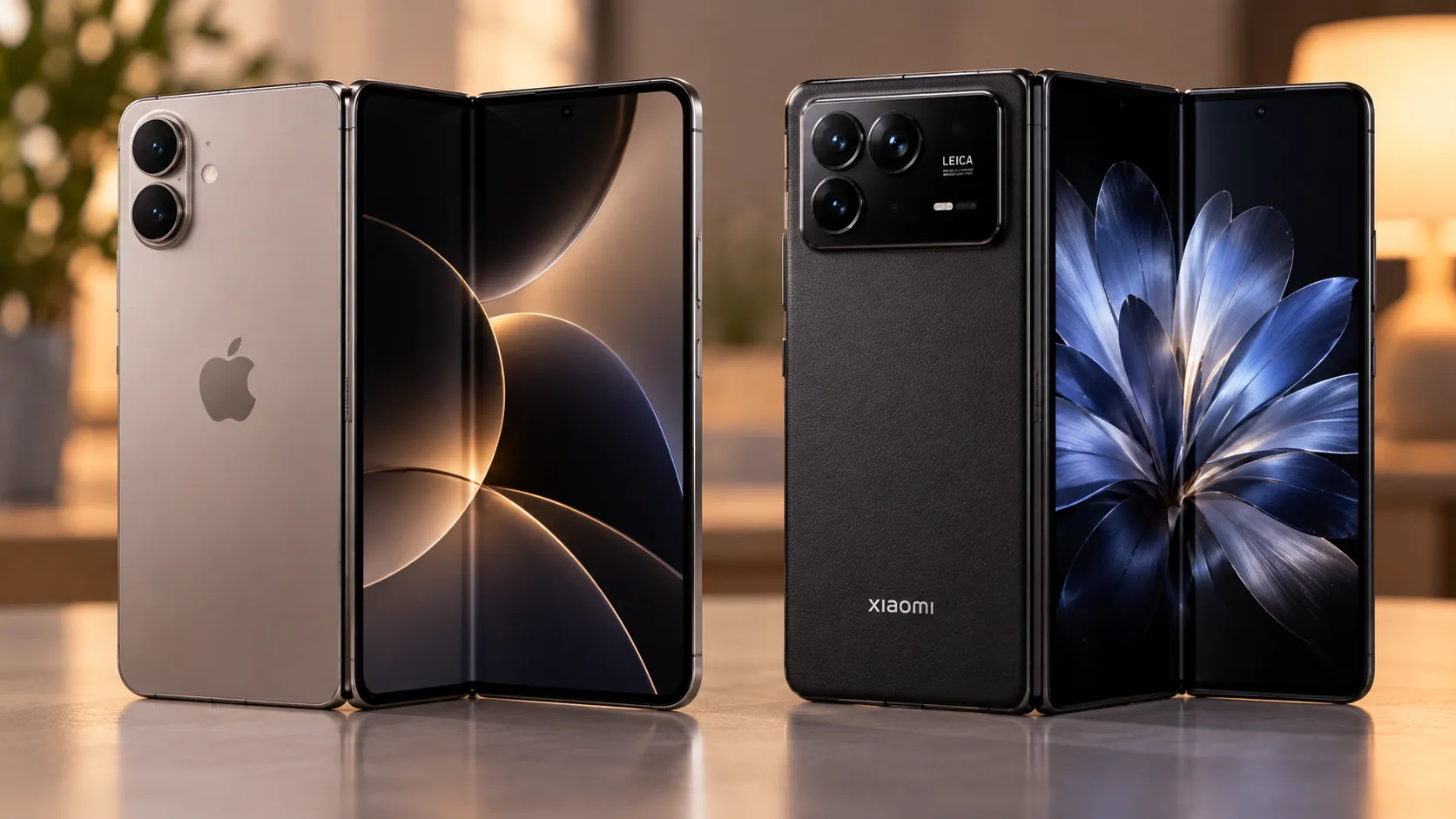
Foldable phones survive drops and folds better than many people expect. In lab testing last year, Which? tested 59 foldable phones through 30,000 open-close cycles on a folding machine, and 58 came through without a fault.
Every foldable it tested also survived 100 drops onto a hard surface. That's a strong result for folding and drop mechanics under one standardized test, though it doesn't measure years of hinge wear, debris exposure, or accidental misuse.
The foldable phone mistakes to avoid start with the inner screen, not just the hinge. Those same foldables averaged just 1.3 out of 5 for scratch resistance, well behind the 5 out of 5 Which? says is typical for conventional smartphones. Which? doesn't break that score down by individual display, but Samsung's own device-care instructions single out the flexible inner display specifically, warning that pressing it with a hard or sharp object can scratch or puncture it.
Buyers surveyed by Which? still worried most about the hinge breaking, at 28%, followed by the screen cracking, at 26%. The results show why inner-screen care deserves a place alongside hinge care.
This guide covers common foldable phone mistakes that can cause that kind of damage: handling habits that scratch or puncture the inner display, screen-protector mistakes that can affect warranty coverage, and water-resistance assumptions that fall apart once dust, sand, saltwater, or pool use enters the picture.
Most of the foldable phone care tips below come from Samsung's device-care instructions for Galaxy Z Fold and Flip models. If you own a Pixel Fold, Motorola Razr, OnePlus Open, or another foldable, use this as the general shape of the risk, then confirm the exact rules on your manufacturer's support page, since protector design, IP ratings, and warranty policies aren't standardized across brands.
1. Treating the inner screen like it's regular glass
A book-style foldable such as the Galaxy Z Fold has a rigid cover display and a flexible inner display that unfolds into the main screen. Flip-style foldables use a different arrangement, but their folding main displays require similar care.
On Samsung foldables, Samsung warns that the main screen can be scratched or punctured by a hard or sharp object, including a fingernail, or damaged by excessive pressure.
Cover-screen glass varies by brand and generation, so don't assume the same restrictions apply to a foldable's outer display across the board. The flexible inner panel is the one that needs the lighter touch. Pressing hard with a fingernail or another pointed object can cause damage that a conventional glass display may better withstand.
If your foldable supports a stylus, use only one specifically approved for that model and display.
2. Folding the phone with something caught inside
Before closing a foldable, check what's actually between the two halves.
Samsung instructs owners to make sure objects such as cards, coins, or keys aren't between the screens before folding the device. Trapping an object inside can damage the main display when the two halves close around it.
Look between the panels before closing the phone. It's cheap insurance against a screen that costs far more to replace than it does to glance at.
3. Forcing the hinge flat or folding it backward
A Samsung foldable that doesn't sit at precisely 180 degrees when opened isn't necessarily broken.
Samsung specifies a normal fully unfolded range of approximately 178.5 to 181.5 degrees for covered Galaxy Z devices and notes that a slight gap between the screens when the phone is folded can be normal.
Don't try to force the phone beyond its intended range or squeeze the closed halves together. Samsung warns against applying excessive force while opening or closing its foldables and against folding the device toward the back.
The exact hinge tolerances vary by model, so treat Samsung's figures as Samsung-specific rather than a universal specification for every foldable.
4. Pocketing it loose with keys, coins, or pens
Dropping a foldable into a pocket or bag alongside keys, coins, pens, or other hard objects is a habit worth breaking.
Samsung already warns against allowing hard or sharp objects to contact the main screen or become trapped inside the folded device. Keeping those objects separated from the phone reduces the chance of scratches, punctures, or something being caught between the two halves.
Use a dedicated pocket, protective case, or separate compartment rather than letting loose hard objects rub against the phone.
Foldable phone screen protector mistakes to avoid
On Samsung phones, removing the factory-installed protective layer yourself can affect warranty coverage for resulting damage, which makes this one of the costliest mistakes on this list to get wrong.
5. Peeling off the factory protector
Samsung explicitly tells owners not to remove the protective film from the main screen and not to attach other films or stickers to it.
That factory-installed layer is intended to remain on the folding display rather than be treated like an ordinary removable accessory.
Samsung also says damage caused by removing the protective film isn't covered by warranty. Its warranty terms separately exclude damage caused by service or modification performed by anyone not authorized by Samsung.
The warning has history behind it. When the original Galaxy Fold reached reviewers in 2019, some mistook part of its display structure for a removable screen protector and damaged their devices after peeling it away. Samsung subsequently delayed the Fold's launch while making changes to the design.
6. Stacking a second protector on top
Adding another protector over the factory-installed film might sound like extra insurance, but Samsung specifically advises against attaching other films or stickers to the main screen.
What to do if the protector lifts or bubbles:
Factory film still intact: Don't peel it off simply because it looks like an ordinary removable protector.
Film bubbling, peeling, or lifting near the crease: Avoid pressing or picking at the affected area and contact Samsung or an authorized service provider for model-specific advice.
Considering DIY replacement: Check the manufacturer's current replacement policy first. Protector construction and authorized replacement options vary by brand and model.
Thinking about adding a second protector: Don't stack another film over Samsung's factory layer when Samsung's own care instructions tell you not to.
The key distinction is between the replaceable protective film and the flexible display underneath it. Damage to the display can be much more expensive than replacing a worn film through the appropriate service channel.
What to do when the inner screen is already damaged
Film lifting, bubbling, or peeling near the crease: Stop picking at or pressing on the affected area and check the manufacturer's service guidance.
Visible crack or hinge problem: Skip improvised repairs and have the device inspected by the manufacturer or a qualified repair provider.
A crease that's changing noticeably: Some visible creasing is inherent to foldable displays, but a sudden or substantial change accompanied by lifting, cracking, touch problems, or unusual hinge behavior deserves inspection.
Before paying out of pocket: Check your exact model's warranty and any official screen-protector or display-repair program first.
Don't assume every crease is damage, but don't peel, press, or glue a changing folding display in an attempt to diagnose it yourself.
7. Assuming water resistance covers dust, sand, or pool use
An IP rating on a foldable is narrower than it sounds.
Samsung's recent foldables vary significantly here. Models with IP48 ratings provide meaningful water resistance, but the "4" for solid-particle protection only covers objects 1mm or larger. Fine dust and sand are smaller than that, so IP48 isn't equivalent to the dust-tight IP68 rating found on many conventional flagship phones.
Some newer foldables have improved further. The Galaxy Z Fold 8 and Galaxy Z Flip 8 carry IP58 ratings, adding tested protection against dust ingress while retaining water resistance.
That makes the original blanket claim that no current Samsung foldable is dust resistant outdated.
Even an IP58 rating isn't permission to treat the phone as beach or pool equipment. Samsung advises against exposing its foldables to beach or pool water, and water resistance isn't permanent.
Saltwater, chlorinated water, sand, and fine particles introduce conditions that aren't captured by simply saying a phone is "water resistant."
Before any exposure to water, sand, or dust, find your exact model name in the phone's settings or on its original packaging, then look up that model's current IP rating and care instructions.
Ratings change across generations. Don't assume the protection offered by one Galaxy Z Fold, Razr, Pixel Fold, or other foldable carries over to another.
How to care for a foldable phone from another brand
Samsung's support documentation is unusually specific, which is why it anchors much of the guidance above. If you own a different foldable, run through these four checks before assuming the same rules apply:
Factory film: Is the protective layer on the inner screen factory-installed and meant to remain in place?
Replacement policy: Does the brand offer official or authorized protector replacement?
Warranty exclusions: What does the warranty say about user damage, modifications, or third-party repairs?
IP rating: What's your exact model's current IP rating, and what does the manufacturer say about pools, beaches, sand, saltwater, and dust?
Those answers may matter more in everyday ownership than a headline fold-cycle number.
What to do now
None of this requires expensive gear, just a few habits that differ from how you'd treat a conventional phone.
Glance between the panels before closing the phone to make sure nothing hard or sharp is trapped inside.
Keep pressure light on the flexible display and don't press it with a fingernail or other pointed object.
Leave Samsung's factory protective film alone. If it starts bubbling or lifting, check the manufacturer's service options rather than peeling it off yourself.
Keep keys, coins, and other hard objects away from the folding display.
Before water, sand, or dust exposure, confirm your exact model's current IP rating and manufacturer guidance rather than relying on another generation's specifications.
If the screen, protective film, or hinge starts changing despite those precautions, check your model's current support page and warranty terms before attempting a repair yourself.




Comments
Be the first, drop a comment!