






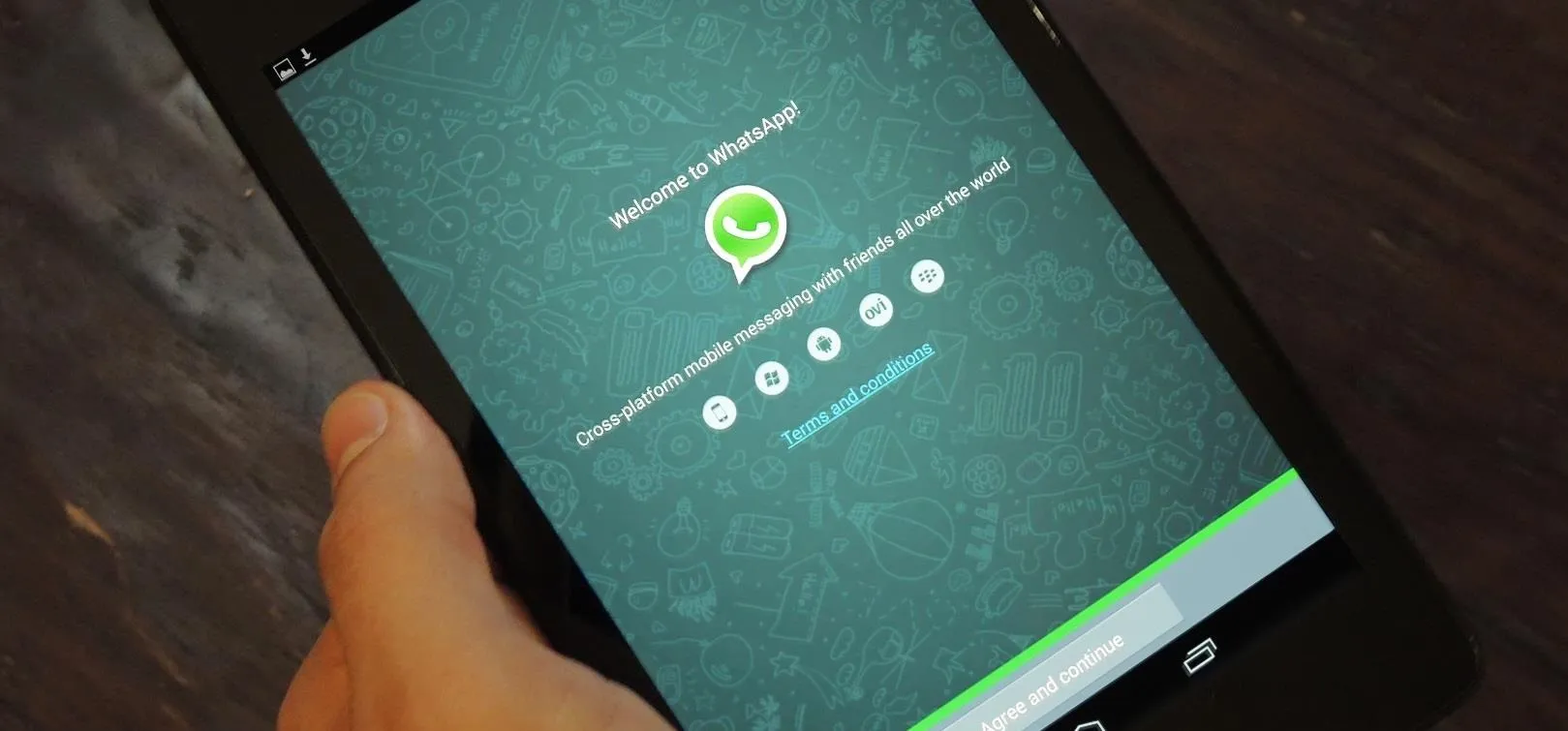
More than 3 billion people in over 180 countries use WhatsApp, according to Meta in September 2025. That scale makes it the default messaging app for much of the world. It also makes it worth understanding not just what WhatsApp is and how to use it, but what "encrypted" actually means for your privacy and where that protection stops.
WhatsApp is a free messaging app available on iPhone and Android, with a desktop version as well. It requires a phone number to register. Once set up, it supports text messaging, voice and video calls, photo and file sharing, group chats, and disappearing messages. The basics work like any messaging app. What distinguishes WhatsApp is that regular chats and calls are end-to-end encrypted by default, meaning Meta cannot read what you send.
That last part is true and worth saying clearly. But "encrypted" and "private" are not the same thing, and most users treat them as if they are.
The encryption protecting your messages is real and well-implemented. Your actual privacy, though, depends on decisions made outside that encrypted channel: your backup settings, how you interact with AI features, and what metadata the platform retains regardless of encryption.
How WhatsApp encryption works
End-to-end encryption (E2EE) means only the sender and recipient can read a message. The platform operator, including Meta, cannot. The Electronic Frontier Foundation, a digital-rights group, warned in 2025 that WhatsApp's encryption does not cover every privacy risk, especially metadata, backups, and AI interactions.
WhatsApp implements end-to-end encryption through the Signal Protocol, which Stealth Cloud describes as the current standard for message-content encryption. The same protocol underlies Google Messages and Facebook Messenger.
Think of it as a locked box. WhatsApp carries the box from you to the recipient. It handles the delivery. It cannot open the box.
That analogy holds for message content, not for metadata such as who you contacted, when, how often, and from where.
Where WhatsApp privacy gets complicated
What metadata WhatsApp can still see
Even with strong content encryption, platform operators can still retain some data about message activity. WhatsApp is no exception. Meta processes contact patterns, usage frequency, IP addresses, and device information, according to Stealth Cloud's analysis.
The envelope analogy is useful here. Encryption protects the letter inside. The address, the postmark, and the delivery log are still visible to the carrier.
In practice, Stealth Cloud reports that what WhatsApp can produce under legal compulsion includes account registration details, last usage timestamp, registration IP address, contact lists, group memberships with join and leave timestamps, blocked contacts, and Status posts. None of that requires touching message content. The content encryption remains intact; the picture around it is considerably more detailed than most users realize.
Why WhatsApp backups need encryption
WhatsApp lets you back up chats to Google Account on Android or iCloud on iPhone. The catch: those backups are not end-to-end encrypted unless you specifically turn that on. Without that step, the cloud storage provider may be able to access the contents, and law enforcement can request them through the provider — a risk the EFF laid out clearly in 2025.
WhatsApp originally required a password or 64-digit encryption key for encrypted backups, but Meta introduced passkey-encrypted chat backups in October 2025. If the passkey option appears under Settings > Chats > Chat Backup > End-to-End Encrypted Backup, you can use your fingerprint, face unlock, or device screen lock instead; otherwise, use a strong password or store the 64-digit key somewhere secure and offline.
There's a subtler issue that trips people up: enabling encrypted backups only protects your copy of the conversation. Everyone else in the chat controls their own backup settings. A group conversation is only as protected as the least secure member's choices. That is why encrypted backups matter for both sides of a conversation. If you're having a sensitive exchange with someone who backs up to iCloud without encryption, your messages are secured on your end and exposed on theirs.
One more wrinkle: disappearing messages set to auto-delete may still land in a backup if the backup runs before the timer expires. The message vanishes from the app but persists in the backup until the next backup cycle. That backup timing matters because disappearing messages and backup deletion are not the same protection.
How Meta AI changes WhatsApp privacy
The end-to-end encryption covering conversations between people does not apply when someone invokes Meta AI within the app. Those messages travel to Meta's servers outside the encrypted framework, as the EFF documented in September 2025.
There is one newer exception to know: in May 2026, Meta announced Incognito Chat with Meta AI for WhatsApp and the Meta AI app. Meta says those AI conversations are processed in a secure environment that even Meta cannot see and disappear by default, though the feature is rolling out gradually and is separate from ordinary chats with Meta AI.
The same applies to the AI Summarize feature, which routes chat text through Meta's servers using a system called "Private Processing." Meta claims it cannot view the content, but the EFF is precise on this point: that's a policy claim, not an architectural guarantee the way E2EE is. The distinction matters. Architectural guarantees hold even if a company changes its policies; policy claims don't.
A viral post circulating in 2025 falsely claimed that failing to enable Advanced Chat Privacy would let Meta AI passively read private chats. The EFF corrected this directly: Meta AI only accesses a conversation when someone in it actively invokes the feature. It does not run in the background.
The WhatsApp privacy settings to check first
For most people, WhatsApp is safe enough for everyday messaging — but these settings determine how private and secure it actually is.
1. Enable end-to-end encrypted backups
This is the single highest-impact change many WhatsApp users still overlook. Go to Settings > Chats > Chat Backup > End-to-End Encrypted Backup. If passkey-encrypted backups are available, use your fingerprint, face unlock, or device screen lock; otherwise, set a strong password or save the 64-digit key somewhere offline. Without encrypted backups, messages that are protected in transit may still be exposed through cloud backups.
2. Enable two-step verification
Two-step verification adds a PIN that's required whenever your phone number is re-registered on a new device. Without it, someone who hijacks your SIM card can take over your WhatsApp account. Find it under Settings > Account > Two-Step Verification. This is the most important account security step and it takes about 30 seconds to set up.
3. Use Advanced Chat Privacy for sensitive conversations
Advanced Chat Privacy, launched in April 2025, operates per chat and is off by default. When enabled, it blocks chat export, disables automatic media downloading to participants' phones, and turns off certain Meta AI features within that conversation, according to the EFF's September 2025 breakdown.
To enable it: tap the contact or group name at the top of the chat, select "Advanced Chat Privacy," toggle on.
The limitation worth knowing: in one-on-one chats, either person can turn it off. In groups, admins can lock it down by disabling "Edit Group Settings" under Group Permissions, which restricts that change to admins only. For a group chat handling genuinely sensitive discussions, that admin setting is worth doing.
4. Use disappearing messages with clear expectations
WhatsApp supports disappearing messages on a per-conversation basis. The EFF highlights this as a meaningful way to reduce the permanent record of sensitive exchanges. The backup timing caveat from the previous section applies here: a backup that runs before the timer expires captures the message temporarily. Disappearing messages and encrypted backups work better together than either does alone.
5. Treat Meta AI as outside the encrypted channel
Any ordinary message sent to Meta AI within WhatsApp, whether in a group chat via @Meta AI or directly, should be treated as outside the normal person-to-person E2EE framework. Enabling Advanced Chat Privacy on a conversation disables some of those AI features by default, per the EFF. If a conversation warrants encrypted backups and Advanced Chat Privacy, it probably also warrants not using Meta AI within it.
Newer WhatsApp features to know
Group Message History began rolling out in February 2026, per WABetaInfo, letting admins or existing members share 25, 50, 75, or 100 recent messages with newly added members. The shared messages remain end-to-end encrypted, the group is notified when history is shared, and admins can disable the option for the group.
Third-party chats for WhatsApp users in Europe began rolling out in November 2025 under the EU's Digital Markets Act. European users can opt in to messaging people on compatible third-party apps, with BirdyChat and Haiket as the first services to connect. The DMA requires participating apps to use the same level of E2EE as WhatsApp, though Meta's announcement frames that as "as far as possible." The feature can be turned off at any time.
WhatsApp vs. Signal vs. Telegram
The meaningful differences between these apps are not about content encryption. WhatsApp and Signal both use the Signal Protocol for message content. The gap is in metadata.
Signal is specifically designed to minimize what it collects. It uses sealed sender, private contact discovery, and server-side deletion of delivery metadata. When served with a grand jury subpoena, Signal has reportedly been able to produce only two data points: account creation date and last connection date, because its architecture is not built to store anything more, according to Stealth Cloud. That's an architectural constraint, not a policy choice Signal reportedly doesn't produce more because it doesn't have more.
WhatsApp, under equivalent legal process, can produce a considerably broader set of metadata, per Stealth Cloud though not message content. The content encryption holds. The surrounding data picture does not.
Telegram is a different category entirely. Its default cloud chats are not end-to-end encrypted, while Telegram says only Secret Chats use end-to-end encryption. Secret Chats must be manually initiated and do not support group messaging or multi-device sync. Using Telegram for sensitive communications under the assumption that all chats are encrypted is a category error.
The practical framework:
Everyday use family, friends, work teams: WhatsApp is a strong choice. Content is encrypted, the app has near-universal adoption, and proper settings cover most practical risks.
High-sensitivity communications journalists, activists, legal matters: Signal's metadata minimization is architectural, not just promised. The tradeoff is a smaller user base, which matters if the people you need to reach don't have it.
Large public groups, channels, community broadcasting: Telegram's feature set is genuinely deeper for this use case. Just don't mistake Telegram's default chats for encrypted ones. Use Secret Chats or a different app for anything genuinely sensitive.
The bottom line on WhatsApp safety
WhatsApp's encryption is real. For everyday messaging, calls, and file sharing, message content is well protected: Meta cannot read it, and the Signal Protocol behind it is state of the art. The privacy picture around that encrypted core is more user-dependent than most people realize, which is exactly why the settings above are worth five minutes of your time.
WhatsApp keeps changing: Group Message History, European chat interoperability, AI features, and June 2025 additions such as channel subscriptions, promoted channels, and ads in Status all affect how private the app feels in daily use. Meta says personal chats, calls, and groups are not used to determine the ads people see, but checking your settings once at setup is still not enough.
For readers who want to go deeper: the EFF's Surveillance Self-Defense guide covers threat modeling and app selection in more detail, and WhatsApp's Help Center has current steps for account security configuration.






Comments
Be the first, drop a comment!