







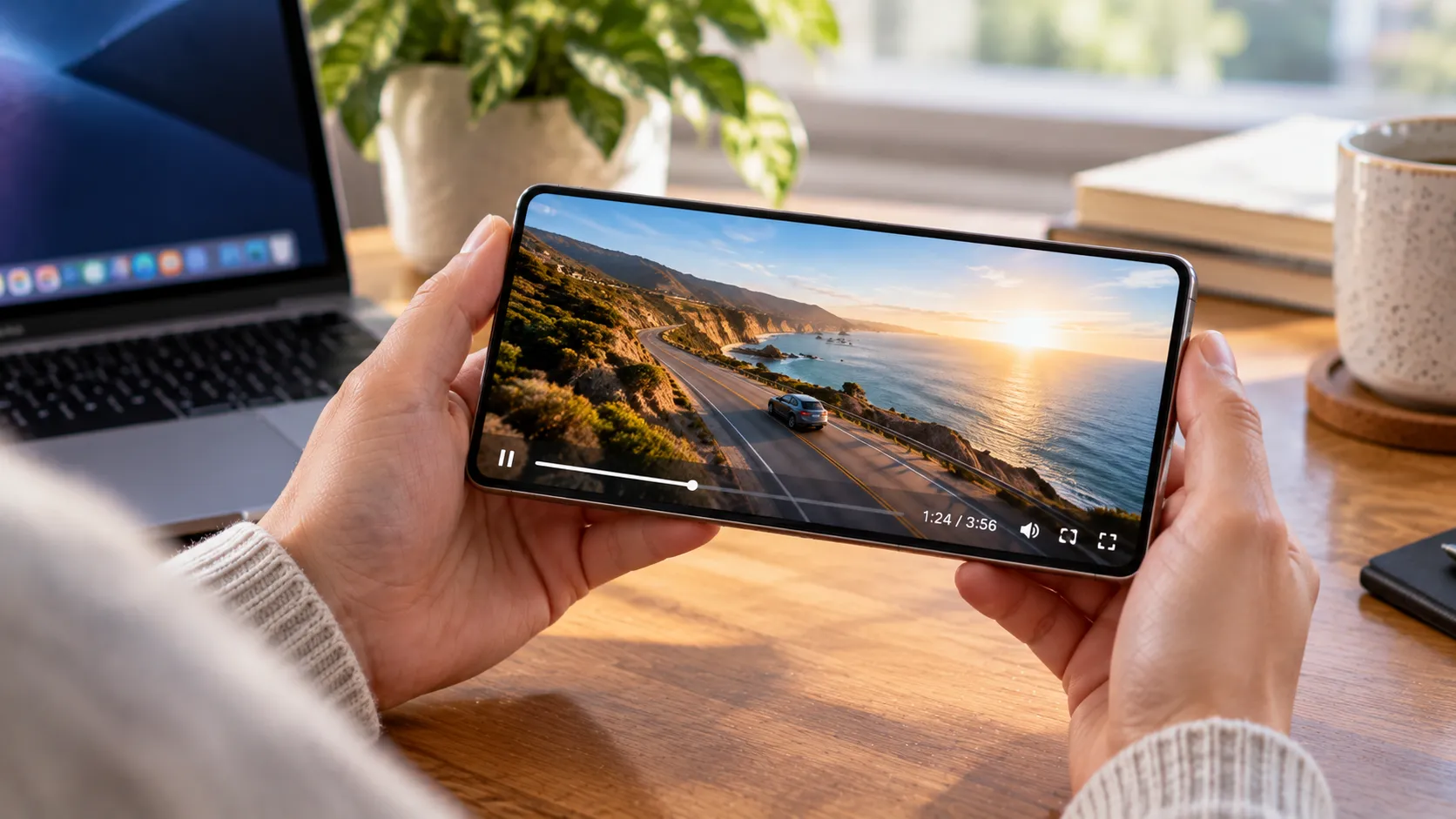
A data plan can disappear in a single evening of streaming.
GPS navigation, social apps, music, cloud backups, and app updates all use cellular data, but video is usually the first category to check when usage suddenly spikes.
Netflix's own data estimates show why. Streaming can use up to 7GB per hour in 4K, 3GB per hour in HD, and 1GB per hour in SD at its High setting.
By comparison, Spotify's Very High setting streams at about 320kbps, which works out to roughly 0.14GB per hour before protocol overhead. That's about one-fiftieth of Netflix's maximum 4K estimate.
Those aren't universal numbers for every app. Compression, resolution, autoplay, downloads, network conditions, and individual app settings all change actual use.
For your own phone, the better answer is the per-app cellular breakdown matched against your carrier's billing period.
What Uses the Most Data on a Smartphone? A Quick Comparison
These figures are useful as rough comparisons, not guaranteed hourly totals.
4K video streaming: Up to about 7GB per hour on Netflix.
HD video streaming: Up to about 3GB per hour on Netflix.
SD video streaming: Up to about 1GB per hour on Netflix's High setting, or about 0.7GB on Medium.
Apple Music Hi-Res Lossless: Can use several gigabytes per hour depending on the track and resolution. Apple warns that higher-resolution Lossless uses substantially more data.
Instagram feed browsing: Around 720MB per hour in one PuraSIM estimate.
Spotify Very High, about 320kbps: Roughly 0.14GB per hour.
Google Maps satellite view: Roughly 15 to 20MB per hour in PuraSIM's estimate.
Google Maps turn-by-turn navigation: Roughly 3 to 5MB per hour in the same estimate.
Even video calls can sit below high-resolution streaming. One estimate from Deference puts a 10-minute WhatsApp video call at roughly 50 to 100MB.
The rankings can shift depending on settings, especially with lossless audio and video-heavy social feeds, but 4K and HD video remain among the fastest ways to burn through a limited cellular allowance.
Why Video Quality Matters More Than the App
The same streaming service can use dramatically different amounts of data depending on video quality.
Netflix currently lists these maximums:
Low: 0.3GB per hour
Medium: 0.7GB per hour
High SD: 1GB per hour
High HD: 3GB per hour
High 4K: 7GB per hour
That's more useful than saying one video app is always heavier than another.
YouTube, Netflix, Prime Video, TikTok, and other apps can all vary substantially depending on resolution, frame rate, compression, autoplay, and how long you watch.
The simplest fix is usually to change the playback setting rather than switch services.
On cellular, use Data Saver, SD, or another reduced-quality option where available. Save 4K streaming and large video downloads for Wi-Fi.
Lossless Music Is the Audio Exception
Ordinary compressed music streaming is comparatively light.
Spotify's current quality settings list approximately:
24kbps for Low
96kbps for Normal
160kbps for High
320kbps for Very High
Spotify Premium now also supports Lossless audio up to 24-bit/44.1kHz FLAC, so 320kbps is no longer its highest-data option.
Apple Music goes further. Apple supports Lossless audio up to 24-bit/192kHz and explicitly warns that streaming higher-resolution Lossless audio uses substantially more data.
That means lossless music can consume far more data than ordinary Spotify or Apple Music playback and can move into the same broad territory as lower video tiers.
If cellular usage matters, check the audio-quality setting instead of assuming music is always negligible.
What a 5GB or 10GB Plan Actually Buys
Using Netflix's maximum streaming figures, a 5GB allowance theoretically covers about:
43 minutes of 4K video
1 hour 40 minutes of HD video
5 hours of High-quality SD video
About 7 hours at Netflix's Medium setting
A 10GB allowance roughly doubles those figures:
1 hour 25 minutes of 4K
3 hours 20 minutes of HD
10 hours of High-quality SD
About 14 hours at Medium
Those are theoretical ceilings.
Background activity, social apps, cloud syncing, app downloads, hotspot use, and everything else on the cellular connection draw from the same allowance.
A two-hour 4K movie could use as much as 14GB at Netflix's maximum estimate, enough to wipe out many prepaid or travel plans in one sitting.
That is why reducing music streaming rarely fixes a large data bill if high-resolution video is the actual culprit.
Check Which Apps Use the Most Cellular Data on Your Phone
Generic averages tell you what can use a lot of data.
Your phone tells you what actually did.
Start with the per-app breakdown and compare it with the same dates your carrier uses for billing.
On iPhone
Open:
Settings > Cellular
Scroll down to see how much cellular data each app has used.
Apple also lets you disable cellular access for individual apps from this screen.
For broader background savings, Low Data Mode reduces automatic updates and other background network activity.
Depending on the connection, you'll usually find it under:
Settings > Cellular > Cellular Data Options > Data Mode > Low Data Mode
The exact options can vary by carrier and connection type.
On Pixel and Other Android Phones
On a current Pixel, Google's documented path is:
Settings > Network & internet > SIMs > App data usage
There you can view usage by app and change the date range.
Other Android manufacturers can use different menu names and layouts.
Google's Data Saver also restricts most background cellular activity while still allowing the app you're actively using to access mobile data.
That makes it useful when background usage is the problem, but it won't stop an actively streaming video from consuming several gigabytes.
What the Top App Can Tell You
Once the billing window matches, the top consumer usually points toward the right fix.
Video app at the top: Check resolution, autoplay, and whether downloads are allowed over cellular.
Social app at the top: Look for autoplaying video. Reels, Stories, TikTok-style feeds, and similar formats can add up quickly.
Music app unexpectedly high: Check whether Lossless or Hi-Res streaming is enabled over cellular.
Maps unusually high: Check whether you're using satellite imagery heavily or downloading map content over cellular.
No obvious app explains it: Check hotspot use, operating-system services, cloud photo uploads, app updates, and whether your phone and carrier are measuring the same dates.
Downloads deserve particular attention.
Downloading a movie, playlist, podcast library, or game update over cellular can create a large one-time spike even if normal daily usage looks modest.
If Usage Still Doesn't Add Up, Check Background Activity
Background data matters most when the total is high but your active habits don't explain it.
An older TDWI experiment found substantial differences between apps running in the background, with TikTok moving more data than several other apps in that specific test.
That was one phone in one test environment, not a universal benchmark.
A high number of background connections also doesn't necessarily mean a large amount of data moved.
Use the phone's own numbers instead.
On Android, you can generally open the app's mobile-data settings and restrict background access. The exact path varies by manufacturer.
On iPhone, turning an app off under Settings > Cellular prevents it from using cellular data entirely.
Use that stronger control only if you're comfortable with the app waiting for Wi-Fi.
Make Sure the Phone and Carrier Are Measuring the Same Period
A mismatched date range can make accurate numbers look wrong.
Find the start date of the carrier's billing cycle first.
Then compare that with the period shown on the phone.
Pixel phones let you choose a date range in App data usage.
On iPhone, cellular statistics continue accumulating until they're manually reset, so the total may not automatically match your carrier's monthly billing cycle.
Also remember that carrier accounting and phone accounting can categorize traffic differently.
Hotspot traffic, system services, roaming, or reporting delays can create differences without either side necessarily being wrong.
What to Do Next
Start with the phone's per-app data screen, not a generic ranking.
Then work through three checks:
Find the biggest consumer. If it's video, check resolution, autoplay, and cellular downloads.
Change the setting that matters. Lower video quality, disable lossless cellular audio, restrict background use, or block cellular downloads where appropriate.
Compare again during the next billing period. Make sure the phone and carrier are measuring the same dates.
For most people with a sudden data spike, video is the first place worth looking.
But the final answer isn't an estimate from a chart. It's whichever app sits at the top of your own cellular-usage screen.










Comments
Be the first, drop a comment!